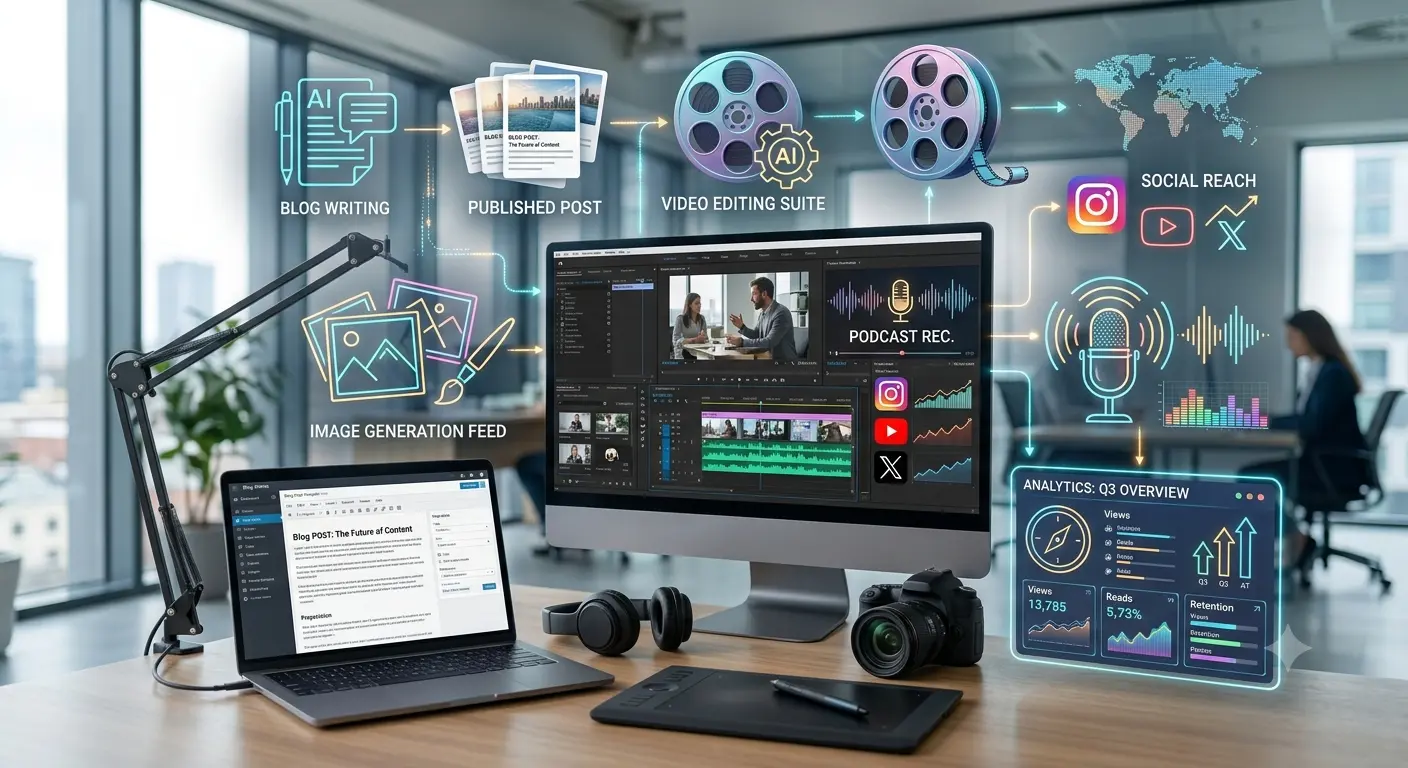
Why Content Creators Need the Best AI Tools
Creating content every day is not easy, but the best AI tools for content creators can make the process much faster. From researching topics and writing scripts to designing thumbnails, editing videos, and creating social media posts, AI can help you save hours of repetitive work. These tools don’t replace your creativity—they help you spend more time creating and less time on boring tasks.
Quick List: Best AI Tools for Content Creators
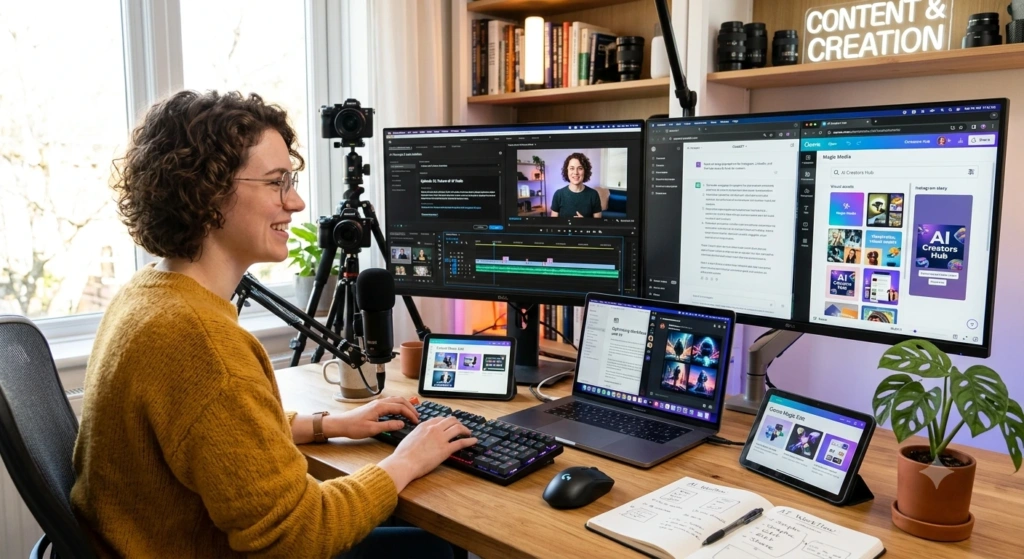
At a Glance
If you don’t have time to read everything, here is the quick list:
- ChatGPT – Best for brainstorming, writing, and content ideas
- Claude – Best for long articles and detailed scripts
- Canva AI – Best for Eye-Catching Thumbnails and Social Media Designs
- Adobe Express – Best for creating social media posts in just a few minutes
- Grammarly – Best for polishing your writing and making it sound more natural
- Descript – Best for editing videos as easily as editing a text document
- CapCut – Best for editing Shorts, Reels and TikToks
- ElevenLabs – Best for ultra-realistic AI voiceovers and narration that sounds actually human
- OpusClip – Best for turning one long video into multiple short, viral-ready clips in seconds
- Buffer – Best for planning, organizing, and scheduling your social media posts on autopilot
Detailed Review: Best AI Tools to Make Content Creation Easier
1. ChatGPT – Best for Brainstorming Content Ideas and Writing
ChatGPT is honestly the best all-in-one tool for creators. You can literally use it for everything — from coming up with ideas to writing scripts, captions, and titles.
What can you do with it?
- Brainstorm new topic ideas
- Create blog outlines and video scripts
- Write social media captions and headlines
- Summarize research
- Turn one blog into many social posts
Best for: Bloggers, YouTubers, and Instagram creators.
2. Claude – Best for Long-Form Content
If you write long articles, newsletters, or detailed YouTube scripts, Claude is better than most tools.
What can you do with it?
- Write long-form articles and detailed scripts
- Summarize long documents
- Improve your existing drafts
- Organize your research and find new content angles
Best for: Bloggers, newsletter writers, and creators who make long content.
3. Canva AI – Best for Stunning Thumbnails and Social Media Designs
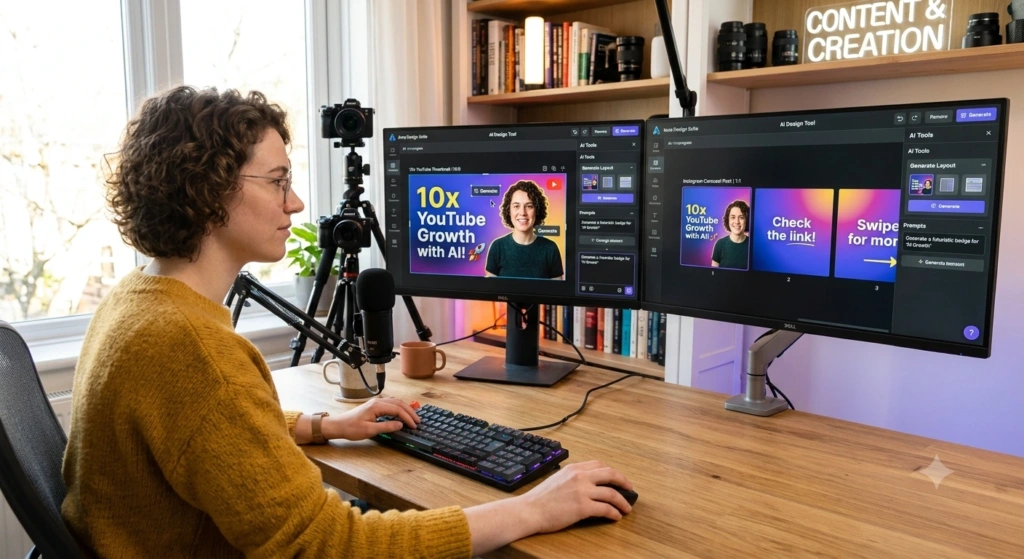
You don’t need to be a pro designer anymore. With Canva AI, anyone can create beautiful, professional-looking content in minutes.
What can you create with Canva?
- YouTube thumbnails
- Instagram posts and stories
- Presentations and posters
- Short promo videos
It is perfect when you need to resize one design for YouTube, Instagram, and Facebook.
Best for: Social media creators and small content teams.
4. Adobe Express – Best for Quick Visual Content
Adobe Express is great for making fast, good-looking social media graphics without learning Photoshop.
What can you do with it?
- Create social media graphics from a text prompt
- Edit images and restyle designs
- Resize content for different platforms in one click
Best for: Social media creators and marketers.
5. Grammarly – Best for Editing Content
Writing the first draft is only half the work. Good editing is what turns your raw content into something that actually looks professional.
Why do creators love it?
Grammarly fixes grammar, spelling, tone, and clarity. It is very helpful for blog posts, YouTube descriptions, newsletters, and captions – especially if English is not your first language.
Best for: Bloggers, writers, and all professional creators.
6. Descript – Best for Video and Podcast Editing
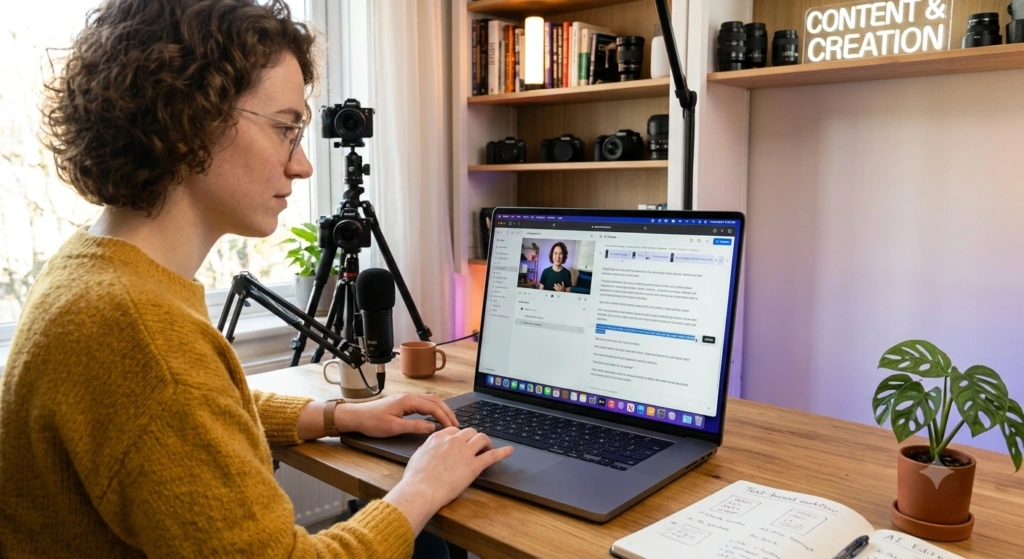
Editing long videos and podcasts can take your whole day.
Why is it different?
With Descript, you can edit your video just like you’d edit a Word document.It creates a transcript of your video, and when you delete text, it deletes that part from the video. You can also remove filler words, improve audio, and create clips.
Best for: YouTubers, podcasters, and interview channels.
7. CapCut – Best for Short-Form Videos
If you make Reels, TikToks, and YouTube Shorts, CapCut is a must-have.
What can you do with it?
- Edit short videos very fast
- Auto-add captions
- Add trending effects and transitions
- Turn long videos into short clips
Best for: TikTok, Reels, and Shorts creators.
8. ElevenLabs – Best for AI Voiceovers
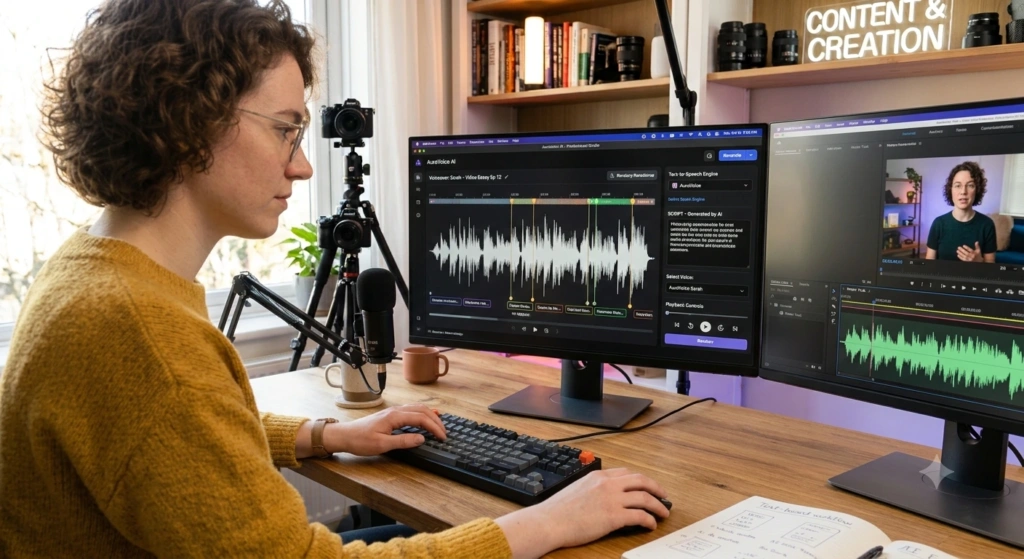
Sometimes you need a voiceover but you don’t want to record your voice every time.
What can you create?
- Video narration and explainers
- Voiceovers for tutorials
- Audio for educational content
Just make sure you have the right permission if you are using a cloned voice.
Best for: YouTubers, educators, and video creators.
9. OpusClip – Best for Repurposing Videos
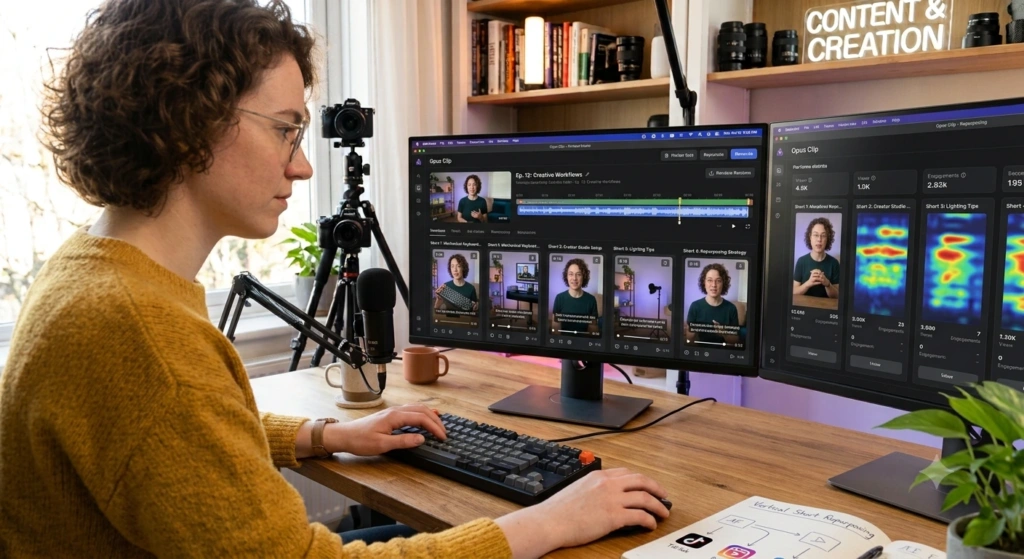
You spend hours making one long video, but you should also use it on Shorts, Reels, and TikTok.
How does it help?
OpusClip finds the best, most viral moments from your long video and turns them into short clips automatically. It saves you hours of watching and cutting.
Best for: YouTubers, podcasters, and interview creators.
10. Buffer – Best for Social Media Planning
Creating content is not enough. You need to publish it consistently.
What can you do with Buffer?
- Plan and schedule your social media content
- Create captions and repurpose old posts
- Manage all your social channels in one place
Best for: Social media creators, bloggers, and small teams.
How AI Tools Help Content Creators Save Time
1. Brainstorming
AI helps you find new topic ideas, titles, and questions your audience is asking.
2. Writing
It can write outlines, first drafts, scripts, and descriptions. But always edit before you publish.
3. Designing
It helps you create thumbnails, posts, and promo graphics in minutes.
4. Video Editing
AI speeds up transcription, captioning, and cutting.
5. Repurposing Content
One long video can become many things:
YouTube Video -> Blog Post -> Instagram Reel -> LinkedIn Post -> Newsletter
6. Social Media Management
AI helps you create captions and schedule posts for all platforms.
How to Choose the Best AI Tools for Content Creators
Don’t Buy Every Tool
1. What type of content do you make?
A blogger and a YouTuber don’t need the same tools — what works for one won’t necessarily work for the other.
2. What takes the most time?
If editing takes 5 hours, get an editing tool first. If you struggle with writing, start with a writing tool.
3. Does it fit your workflow?
A good tool should make your work easier, not more complicated.
4. Is there a free plan?
Always try the free version before you pay.
Best AI Tool Combos for Different Content Creators
Best AI Tools For Bloggers
ChatGPT + Grammarly + Canva
For ideas and drafts, editing, and blog images.
Best AI Tools For YouTubers
ChatGPT + Canva + Descript + OpusClip
For scripts, thumbnails, video editing, and making Shorts.
Best AI Tools For Social Media Creators
ChatGPT + Canva + CapCut + Buffer
For captions, designs, short video edits, and scheduling.
Best AI Tools For Podcasters
ChatGPT + Descript + ElevenLabs + OpusClip
For planning, editing, voiceovers, and promo clips.
Common Mistakes When Using AI Content Creation Tools
1. Using Too Many Tools
More tools = more confusion. Start with 2 tools only.
2. Publishing AI Content Without Editing
AI can make mistakes. Always check and add your personal touch.
3. Losing Your Personal Voice
Your story and personality is what makes you different. Don’t let AI remove that.
4. Ignoring Copyright
Check the license before using AI images, music, or voices for commercial use.
Final Thoughts
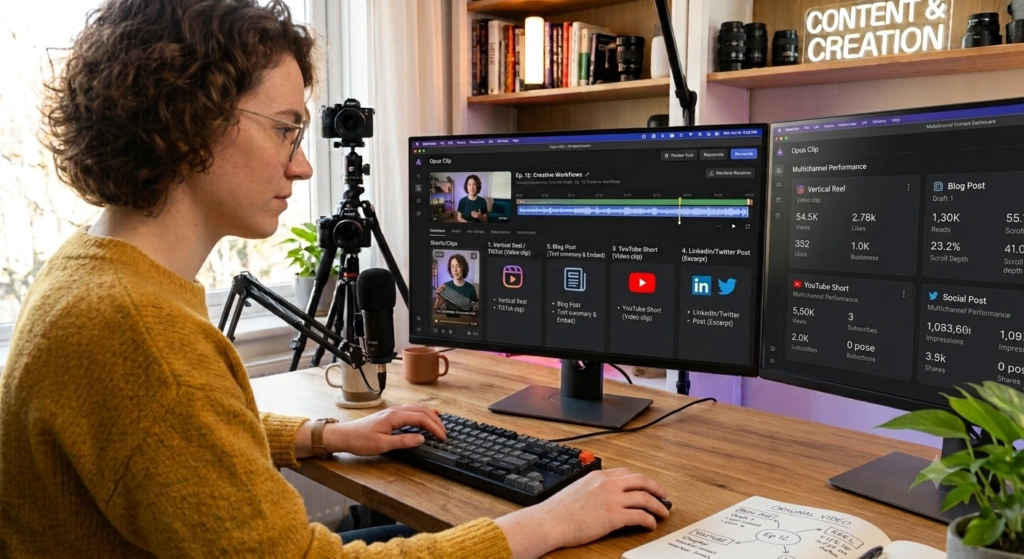
The best AI tool is not the one with the most features. It’s the one that saves your time without killing your creativity.
You don’t need every tool on this list. Start with the one task that takes your most time. Fix that first. Then add another tool only when you really need it.
Use AI to do less boring work, so you can spend more time making content that people actually want to watch and share.