If you’re searching for the best free AI image generators, you don’t need professional design skills or expensive editing software to start creating attractive visuals. AI image generation has made it much easier to turn a simple idea into an image by describing what you want in ordinary language. Whether you need a picture for a blog post, a social media graphic, a presentation, a website banner, or a creative project, an AI tool can help you produce a starting point within minutes.
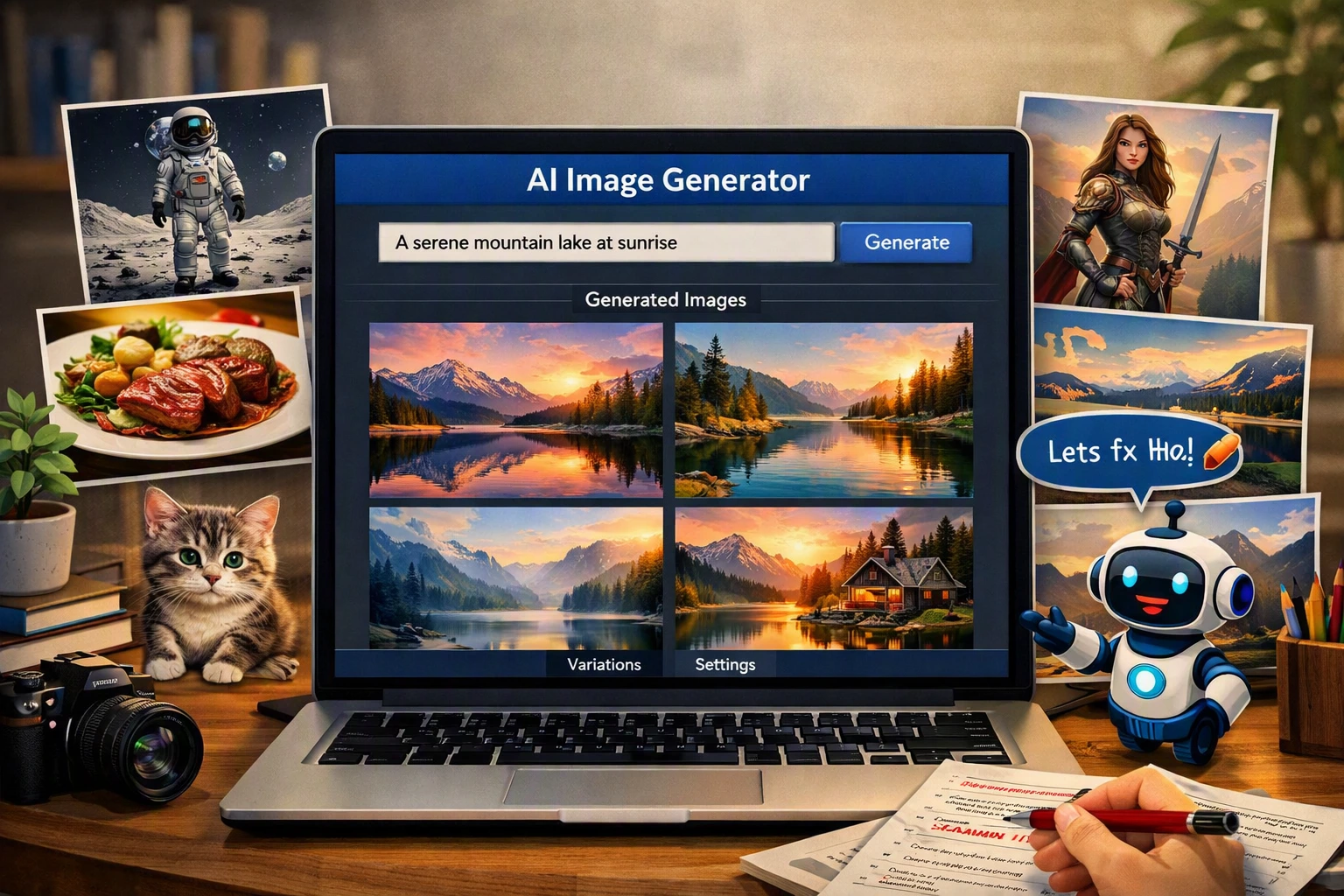
The process is quite simple. You write a prompt explaining the subject, background, style, lighting, mood, or other details you want. The AI then interprets your description and creates an image based on those instructions. If the first result isn’t what you expected, you can change the prompt and try again. This makes image creation more accessible to students, bloggers, marketers, small businesses, and people who have never used professional design software.
However, choosing an AI image generator isn’t always straightforward. Different platforms offer different features, image styles, editing options, generation limits, and free-plan conditions. Some are designed for quick and simple creations, while others give users more control over artistic details. A tool that works perfectly for a social media post may not be the best choice for creating detailed artwork or a professional marketing graphic.
That’s why it’s useful to compare several options before deciding which one fits your needs. In this guide, we’ll look at some of the best free AI image generators in 2026, explain what each tool is good at, and discuss the things you should consider before using AI-generated images on your website or for commercial projects.
How the Best Free AI Image Generators Work
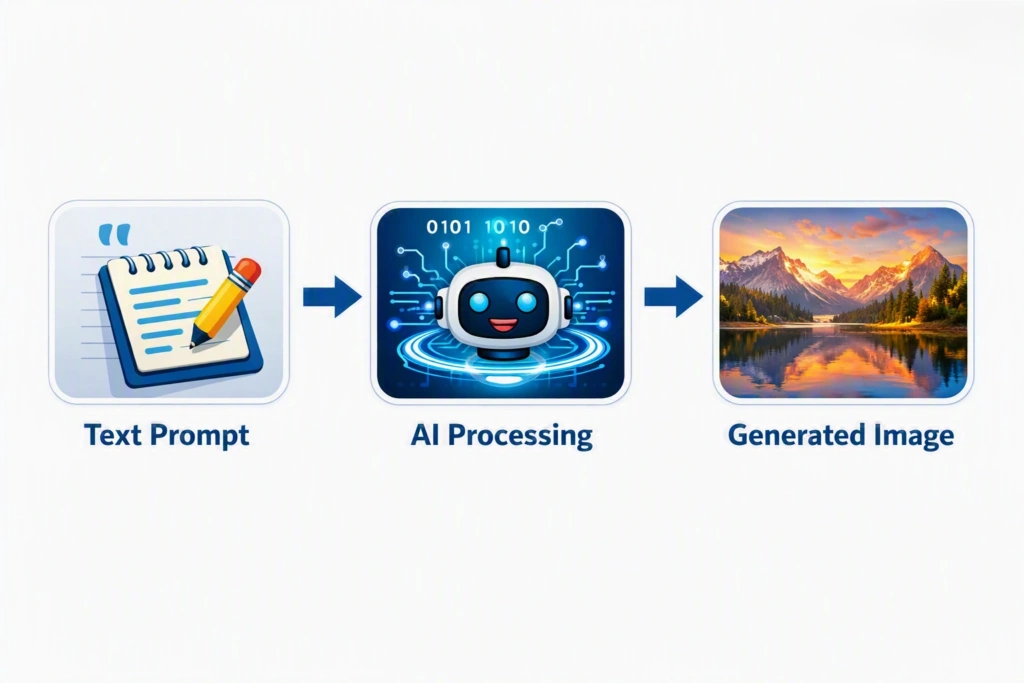
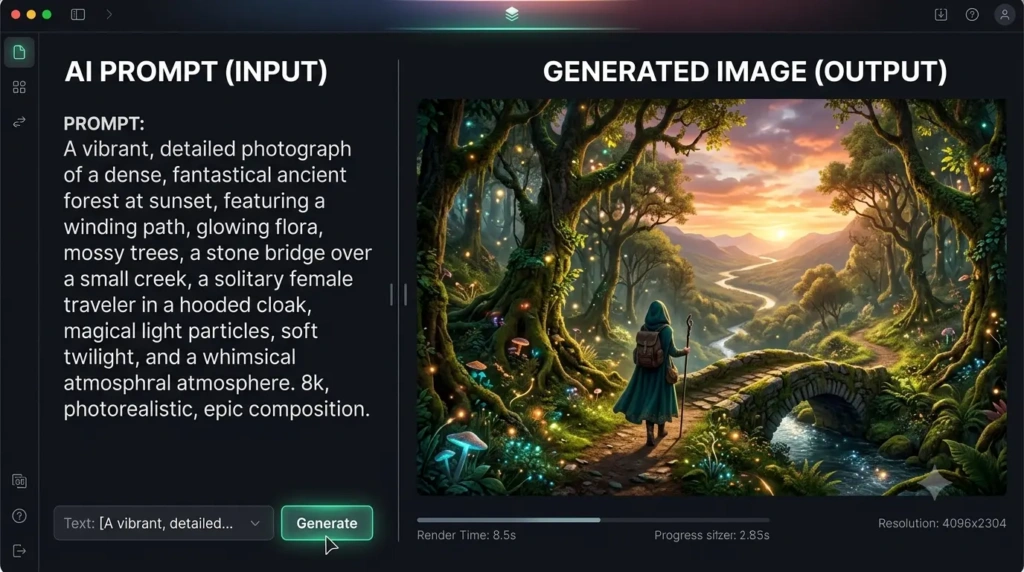
An AI image generator is a tool that creates pictures based on instructions written by the user.
For example, you could enter:
“A small coffee shop on a quiet street during a rainy evening, warm lights coming through the windows, realistic photography.”
The AI processes the description and creates an image based on those details.
You don’t need to draw the scene yourself. You simply explain what you want and adjust the prompt when the result isn’t quite right.
This makes AI image generation useful for people who don’t have professional design experience.
1. Google Gemini
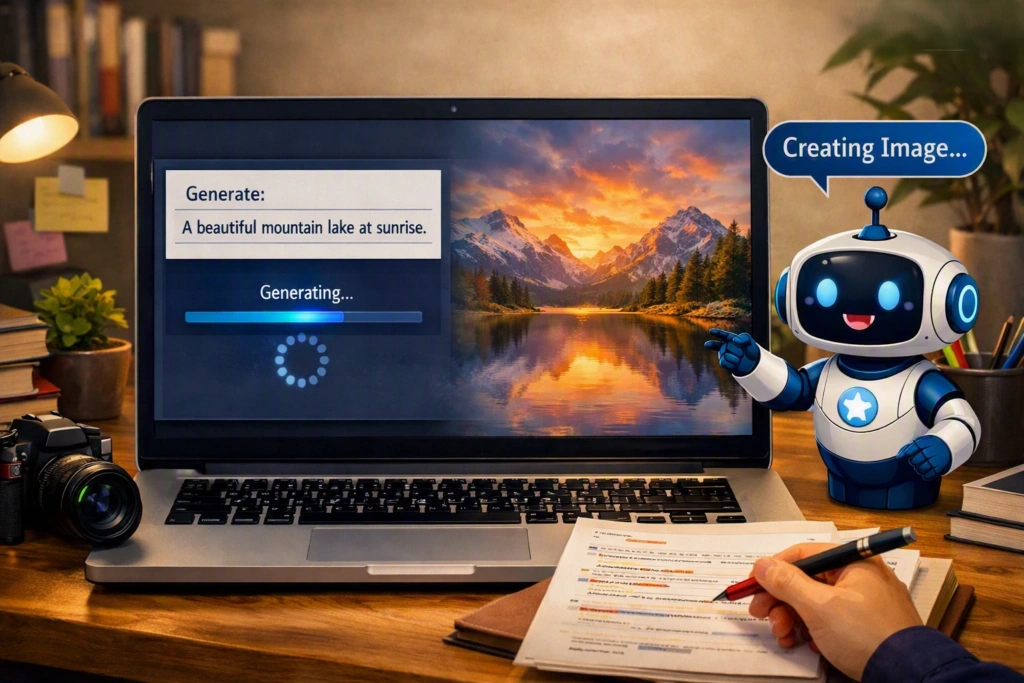
Google Gemini is a convenient starting point for people who want a straightforward way to experiment with AI-generated images.
One of its useful features is the conversational approach. You can describe an idea and then ask for changes after seeing the result.
For example, you could request a mountain landscape and then ask for a sunset, different weather, or another camera angle.
This makes the process feel less like learning design software and more like working with a creative assistant.
Best for: Beginners, bloggers, students, and quick visual ideas.
Why try it?
- Simple way to describe an image
- Beginner-friendly interaction
- Useful for experimenting with ideas
- Easy to refine a concept
2. Microsoft Designer
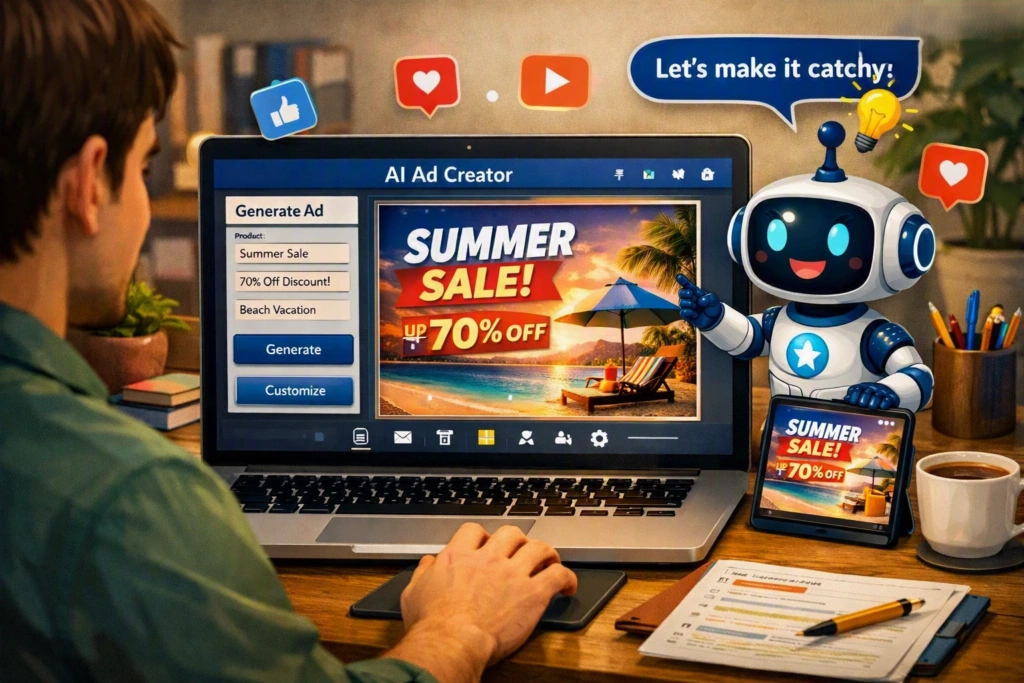
Microsoft Designer is useful when you need more than just a standalone picture.
Suppose you are preparing a social media post, promotional announcement, poster, or business graphic. You need an image, but you also need the surrounding design to look good.
That’s where a design-oriented tool can be helpful.
Microsoft Designer can be useful for people who want to create attractive graphics without spending hours learning professional design software.
Best for: Social media graphics, advertisements, posters, and promotional content.
Why try it?
- Easy design workflow
- Useful for marketing material
- Suitable for beginners
- Helpful for combining images and layouts
3. Leonardo AI
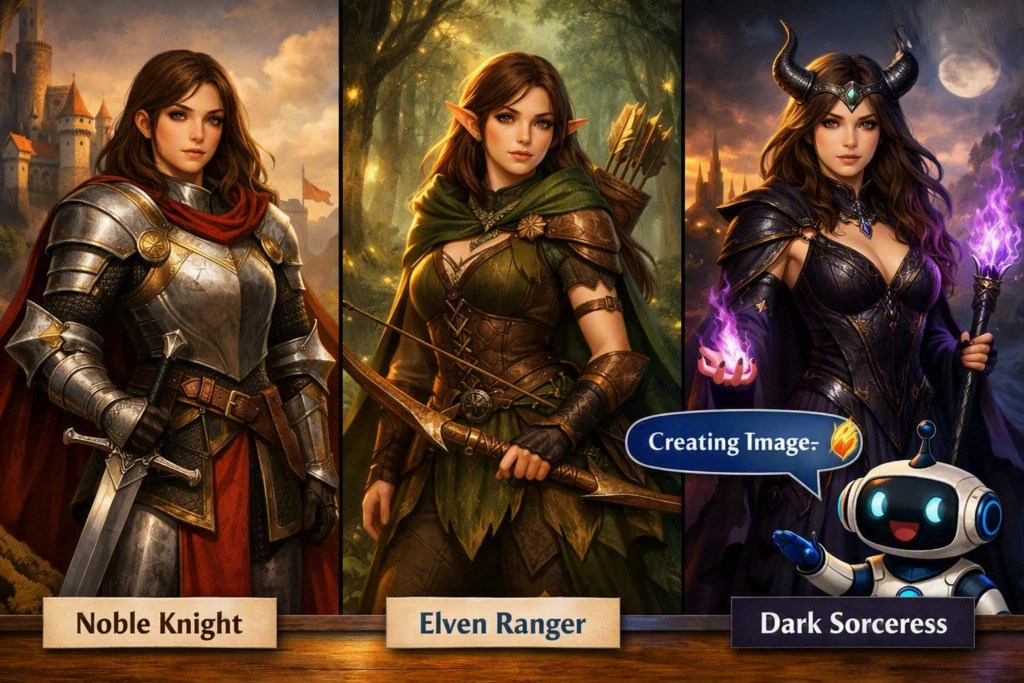
Leonardo AI is worth exploring if you want to create more imaginative artwork.
It can be useful for fictional characters, fantasy environments, concept art, game ideas, and digital illustrations.
For instance, you could develop several versions of the same character and compare their appearance. You can also experiment with different artistic directions until you find something you like.
There are more features to learn than with some basic image generators, but that additional control can be useful for creative projects.
Best for: Digital art, concept designs, characters, fantasy scenes, and illustrations.
Why try it?
- Good for creative projects
- Useful for character concepts
- Suitable for digital artwork
- Allows plenty of experimentation
4. Ideogram
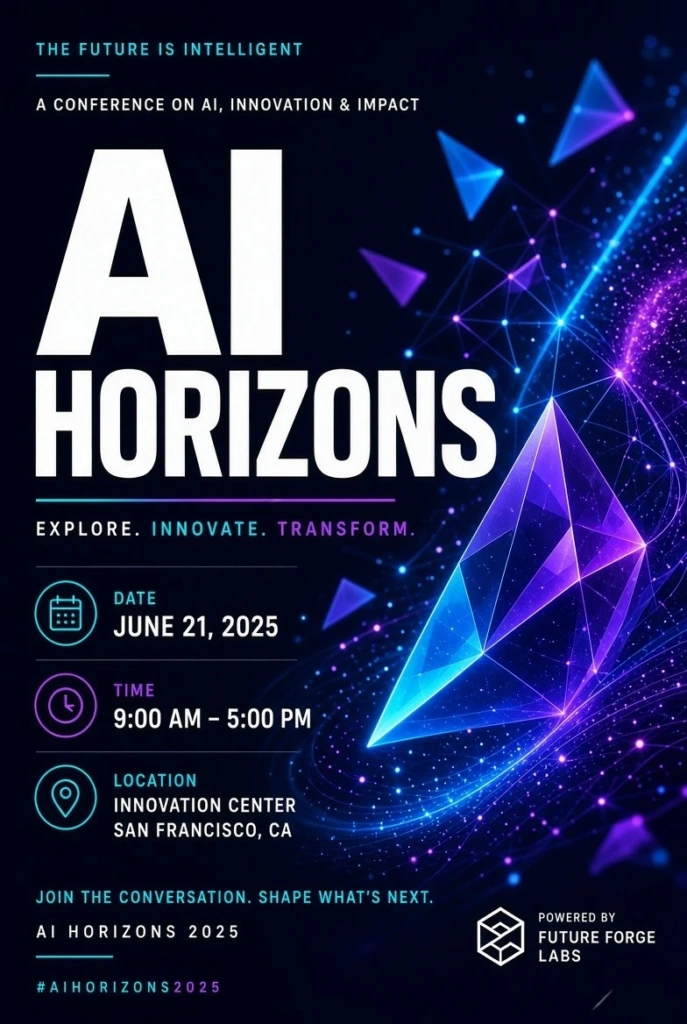
Ideogram is an interesting choice when written text needs to be part of the image.
Consider a poster for a college event. The background might look fantastic, but an incorrect event name would make the image difficult to use.
This is why tools that focus on typography can be valuable.
Ideogram can be explored for posters, thumbnails, advertisements, and other graphics where words are an important visual element.
Always check the text carefully before using the final image.
Best for: Posters, advertisements, thumbnails, and text-based graphics.
Why try it?
- Useful when text is part of an image
- Good for poster concepts
- Helpful for promotional designs
- Easy to experiment with different ideas
5. Adobe Firefly
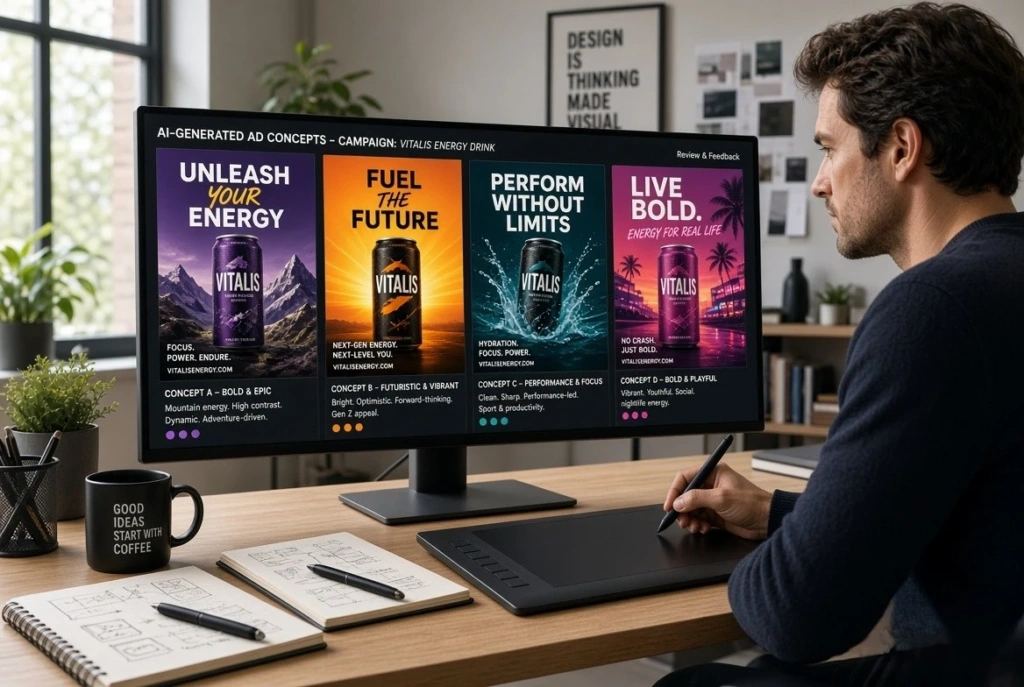
Adobe Firefly is aimed more toward people who want AI to become part of their creative workflow.
You don’t necessarily have to treat the generated image as the finished product. It can simply be the first step in developing a design.
For example, a marketer might generate several concepts for an advertisement and then choose one to develop further.
This makes Firefly useful for creative exploration as well as practical design work.
Before using generated images for commercial projects, check Adobe’s current terms and licensing requirements.
Best for: Designers, marketers, and creative professionals.
Why try it?
- Useful for brainstorming
- Helpful for design concepts
- Suitable for creative workflows
- Can be used as a starting point for larger projects
6. Canva AI
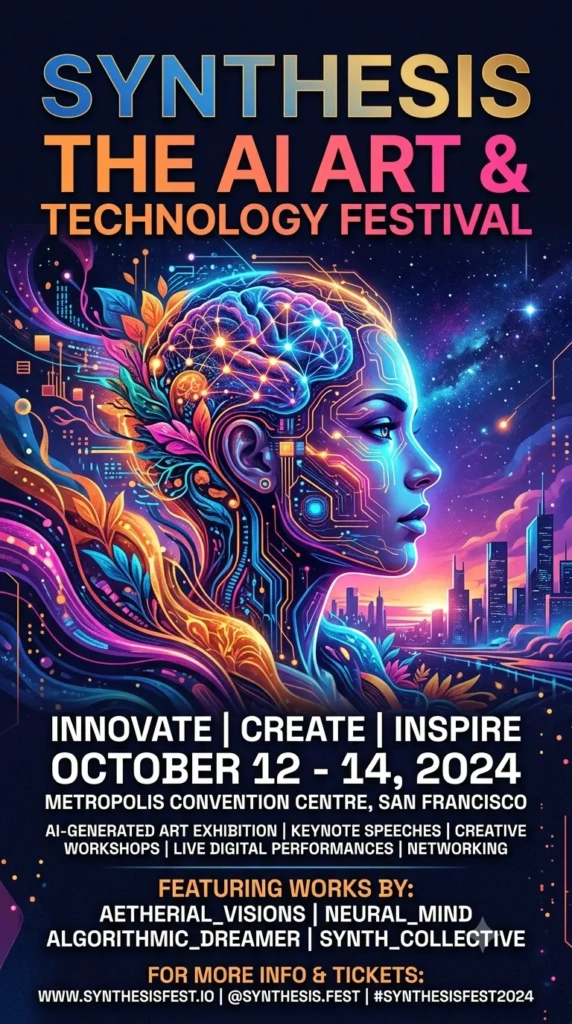
Canva is already widely used for presentations, posters, social media posts, thumbnails, and blog graphics.
Its AI features make it convenient for people who want to create an image and then immediately use it inside a larger design.
For example, you could create an image for a blog article, add a title, change the layout, and prepare the final graphic within the same design environment.
This can save time for content creators who don’t want to switch between several applications.
Best for: Bloggers, students, social media creators, and small businesses.
Why try it?
- Easy to learn
- Combines AI and graphic design
- Useful templates
- Good for everyday content creation
7. Stable Diffusion
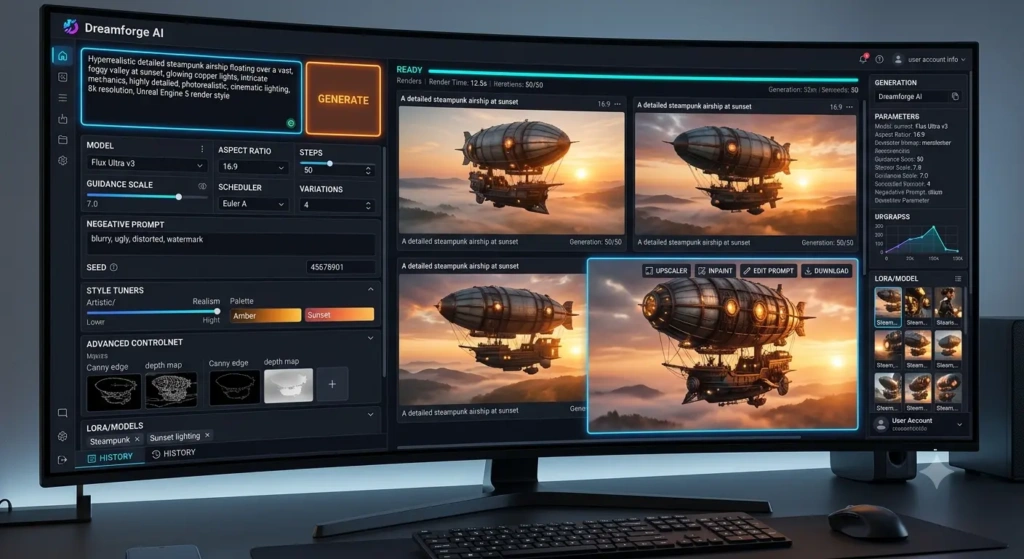
Stable Diffusion is a better fit for people who want more control over the image-generation process.
Depending on the setup, users can experiment with different models, settings, and workflows. That flexibility makes it appealing to technically minded creators.
However, there is a trade-off.
Getting started can be more complicated than using a simple browser-based tool. If you only need a quick image for a blog post, another option may be easier.
For users who enjoy experimenting with AI technology, however, Stable Diffusion offers much more room to explore.
Best for: Advanced users, developers, AI enthusiasts, and technical creators.
Why try it?
- Flexible workflows
- Extensive customization
- Good for experimentation
- Suitable for advanced users
Which of the Best Free AI Image Generators Should You Use?
There isn’t a single tool that is perfect for everyone.
Your choice should depend on what you are trying to create.
| Your main requirement | Tool to explore |
|---|---|
| Quick and simple image ideas | Google Gemini |
| Social media and marketing graphics | Microsoft Designer |
| Creative artwork and characters | Leonardo AI |
| Posters containing text | Ideogram |
| Professional creative work | Adobe Firefly |
| Blog and social media designs | Canva AI |
| Advanced customization | Stable Diffusion |
If you’re new to AI image creation, start with one simple platform. Once you understand how prompts work, you can experiment with other tools.
How to Get Better Results From Free AI Image Generators
The quality of the instruction can have a big effect on the result.
Compare these two prompts:
Short prompt:
“A mountain.”
Detailed prompt:
“A snow-covered mountain beside a clear blue lake, pine trees in the foreground, early morning sunlight, light mist, realistic travel photography.”
The second prompt gives the AI much more information to work with.
Depending on your project, you can mention:
- The main subject
- Location
- Lighting
- Weather
- Time of day
- Mood
- Camera angle
- Art style
- Important objects
- Image orientation
You don’t need to write a huge prompt. Include the details that actually matter to your idea.
Are Free AI Image Generators Really Free?
This is something worth checking before choosing a tool.
A service may allow free image creation but limit the number of generations you can make. Another platform may provide a certain number of credits each day or month.
Some features may also be available only to paying users.
These conditions can change as companies update their services, so check the current plan information before relying on a particular tool.
What About Commercial Use?
This is especially important for businesses and freelancers.
Being able to generate an image without paying does not automatically mean that you can use it for every commercial purpose.
Before using an AI-generated image in an advertisement, client project, product, or paid campaign, read the platform’s current terms.
Look for information about:
- Commercial usage
- Ownership
- Attribution
- Free-plan restrictions
- Licensing
Understanding these rules can save you problems later.
Always Inspect AI-Generated Images
AI-generated pictures can look impressive at first glance, but small mistakes are possible.
Before publishing an image, zoom in and check it carefully.
Pay particular attention to:
- Hands and fingers
- Faces
- Text
- Signs
- Logos
- Product details
- Background objects
If an image contains a headline, read every word. If it shows a product, make sure the important details look correct.
A few seconds of checking can make a big difference.
Using Free AI-Generated Images on a WordPress Website
If you’re publishing these images on a WordPress blog, don’t forget about accessibility.
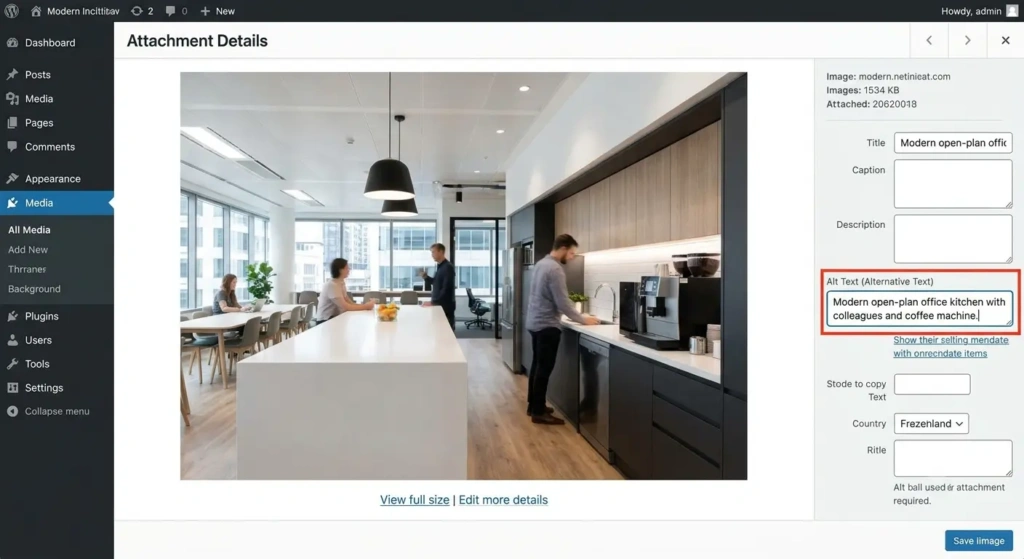
Add meaningful alt text to your images.
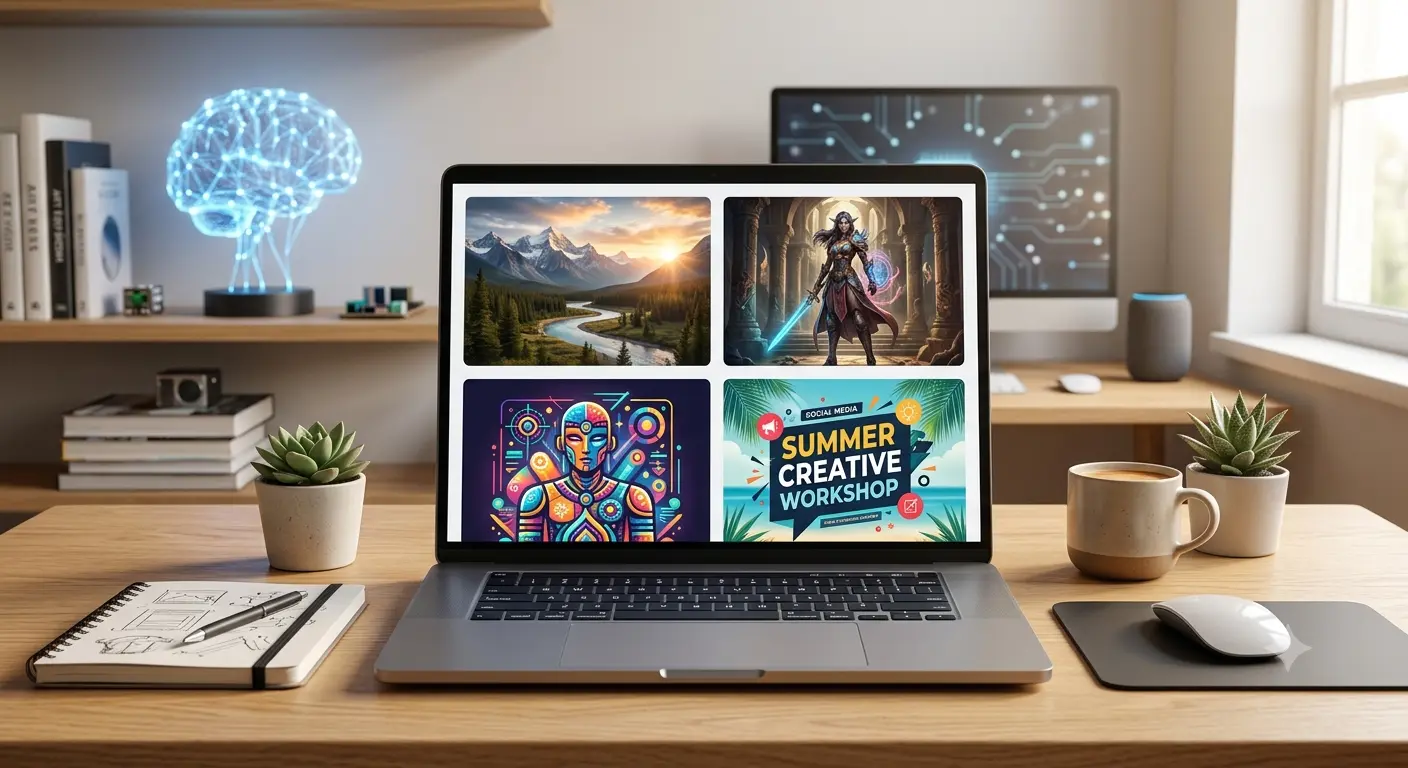
For example, if you have an image showing several types of AI-created artwork, you could write:
“Best free AI image generators creating different digital artwork styles.”
The alt text should describe what the image actually shows.
Don’t use the exact same keyword-heavy sentence for every picture. Each image should have its own useful description.
This gives readers a better experience and can also help search engines understand the visual content on your page.
Frequently Asked Questions
What are the best free AI image generators?
There are several good options, including Google Gemini, Microsoft Designer, Leonardo AI, Ideogram, Adobe Firefly, Canva AI, and Stable Diffusion. The right choice depends on your requirements.
Can beginners use AI image generators?
Yes. Many tools are designed for people without professional design experience. You can start with simple descriptions and improve your prompts as you become more comfortable.
Can I generate images without paying?
Many platforms offer some level of free access. However, free accounts commonly have usage limits or restrictions on certain features.
Can I use AI images on my blog?
Generally, this may be possible, but you should check the current terms of the specific platform you’re using before publishing the image.
Do AI images need alt text?
Yes. If an image is meaningful to your article, adding descriptive alt text is good practice for accessibility and can help search engines understand the image.
Final Thoughts
AI has made image creation much more approachable. You don’t need to know how to draw or spend hours learning complicated editing software just to turn an idea into a visual.
The best free AI image generators are not identical, and that’s actually useful. Different tools are better suited to different jobs.
If you want simplicity, start with a beginner-friendly option. For marketing graphics, a design-focused platform may work better. Creative artists may prefer more control, while advanced users may enjoy a customizable workflow.
The best way to find your favorite is simple: try a few tools with the same idea and compare the results.
Look at image quality, ease of use, available free credits, editing options, and usage restrictions. After a little experimentation, you’ll know which AI image generator fits your own workflow.