
AI has changed the way developers write and manage code. Instead of spending hours searching for a small coding mistake or writing repetitive functions, developers can now use AI coding tools to get suggestions, explanations, debugging help, and even complete code.
The good news is that many of these tools offer free plans, so you can start using them without spending money. Several AI coding tools offer useful free plans for students, beginners, freelancers, and developers who want to try AI-assisted programming without spending money.
In this guide, we will look at some of the best AI coding tools and explain what each tool is useful for.
What Are AI Coding Tools?

AI coding tools are programs that use AI to help developers write, understand, and improve their code more easily.
They can help with tasks such as:
- Writing code from a simple description
- Completing lines of code
- Finding and fixing errors
- Explaining complicated code
- Creating functions and scripts
- Improving existing code
- Generating tests
- Working with multiple files
- Learning programming concepts
For beginners, these tools can make coding easier to learn. Experienced developers can also use them to save time on repetitive coding work.
Best AI Coding Tools
Here are some of the most useful AI coding tools worth trying.
1. GitHub Copilot
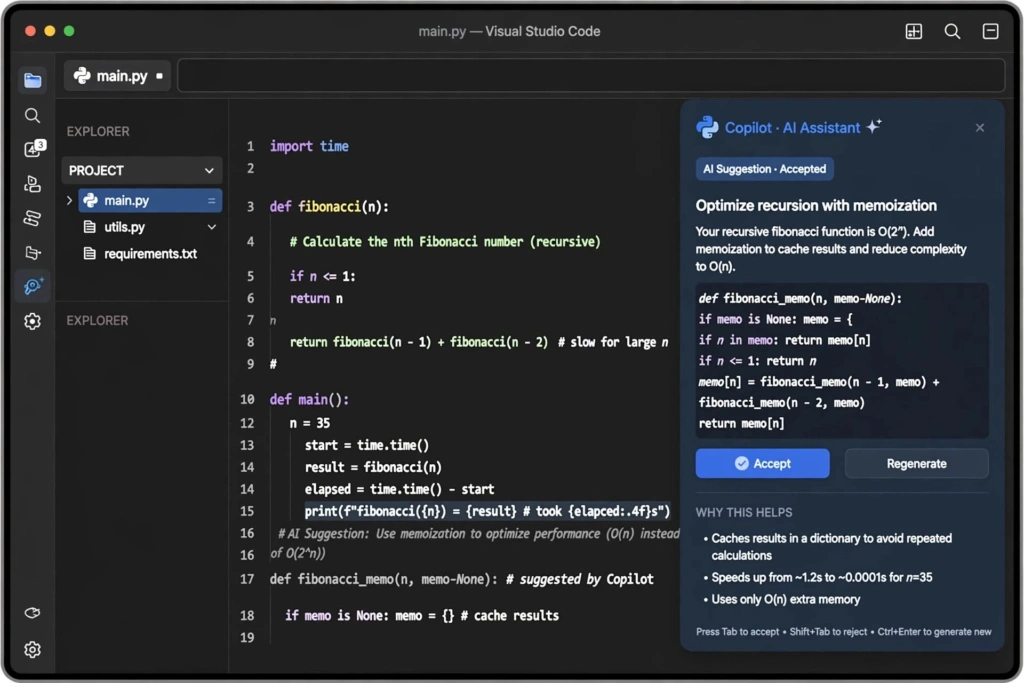
GitHub Copilot is one of the most popular AI coding assistants. It works directly inside supported development environments and provides code suggestions while you are programming.
It can suggest the next lines of code, create functions from natural-language instructions, explain code, and help developers find solutions to programming problems.
The free plan currently includes 2,000 code completions per month, along with limited chat and other features. Verified students can also qualify for GitHub’s student offering.
Best for: Everyday coding and code completion
Why try it?
- Works with popular IDEs
- Provides code suggestions while typing
- Useful for beginners and experienced developers
- Integrates closely with GitHub
2. Gemini Code Assist

Google Gemini Code Assist is an AI coding assistant designed to help developers write, understand, and improve code.
It can generate code, explain programming concepts, help with debugging, and provide coding suggestions inside supported development environments.
Google originally introduced a free individual version with a very large allowance for code completions, making it an attractive option for developers who want to experiment with AI coding without paying for a subscription.
Best for: Students and developers looking for a generous free coding assistant
Why try it?
- Helpful for code generation
- Can explain code
- Useful for debugging
- Supports popular programming languages and development environments
Important: Google’s current documentation says the individual Gemini Code Assist IDE experience and Gemini CLI were replaced by Antigravity for individual users starting June 18, 2026, so availability can depend on which Google developer product you are using.
3. Cursor
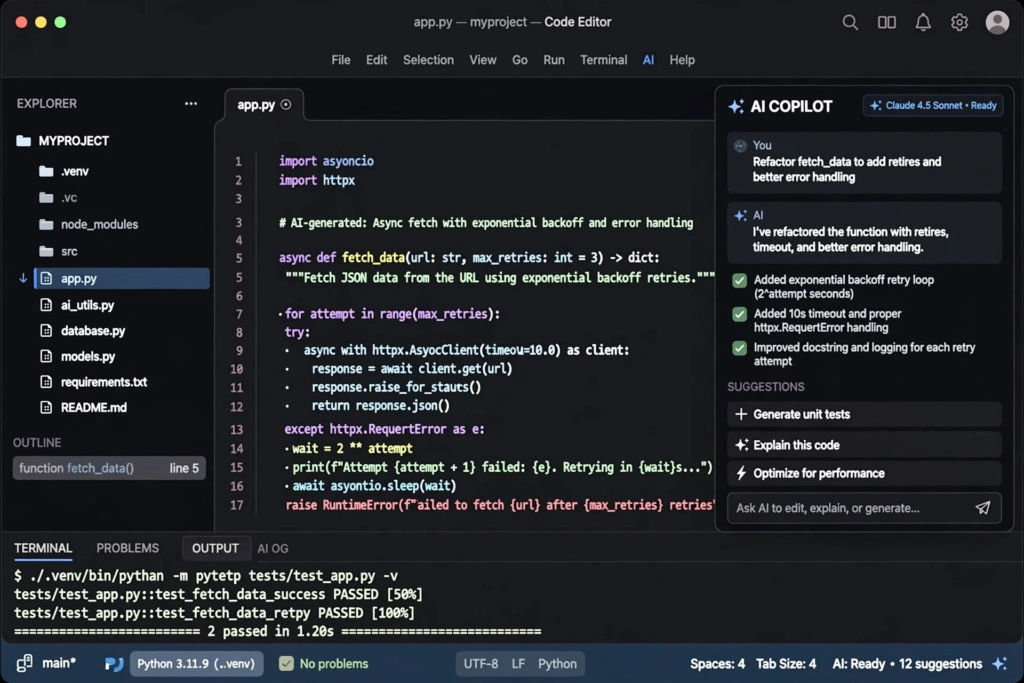
Cursor is an AI-focused code editor based on Visual Studio Code. Instead of simply adding an AI assistant to an existing editor, Cursor puts AI features directly into the coding environment.
You can ask it to make changes to your code, explain files, find problems, and work with multiple parts of a project.
Cursor is particularly useful when you are working on larger projects where understanding the relationship between different files is important.
Best for: Developers looking for a coding editor with built-in AI features.
Why try it?
- AI features are built into the editor
- Useful for editing multiple files
- Good for understanding existing projects
- Familiar interface for VS Code users
Cursor offers a limited free option, while heavier usage requires a paid plan.
4. Claude Code

Anthropic Claude Code takes a different approach from traditional coding assistants. It is designed around an AI agent that can work with your project through the terminal.
It can inspect files, understand a codebase, make changes, help with debugging, and handle larger coding tasks.
This makes it especially useful when a project requires changes across several files rather than a simple autocomplete suggestion.
Best for: Complex coding tasks and larger projects
Why try it?
- Strong code understanding
- Useful for multi-file changes
- Helpful for debugging
- Works well for terminal-based development
Claude Code is not the best choice if your main requirement is a completely free long-term coding assistant because usage can depend on the Claude plan or API access.
5. Windsurf
Windsurf is an AI-powered development environment designed to help developers write and modify code with AI assistance.
It focuses on making AI part of the development process rather than limiting it to simple code completion.
You can use it to generate code, understand projects, make changes, and work through coding problems.
Best for: Developers who want AI-assisted project development
Why try it?
- AI-focused development environment
- Useful for code generation
- Helps with larger coding tasks
- Can work with project context
Windsurf also provides a free option, although the amount of usage available can change.
6. Amazon Q Developer
Amazon Web Services Amazon Q Developer is an AI assistant designed especially for developers working with AWS and other programming environments.
It can help generate code, explain code, find bugs, and answer development questions.
If you are learning cloud development or building applications using AWS services, Amazon Q Developer can be particularly useful.
Best for: AWS developers
Why try it?
- Useful for AWS projects
- Helps explain and generate code
- Can assist with debugging
- Works with popular development environments
7. Replit
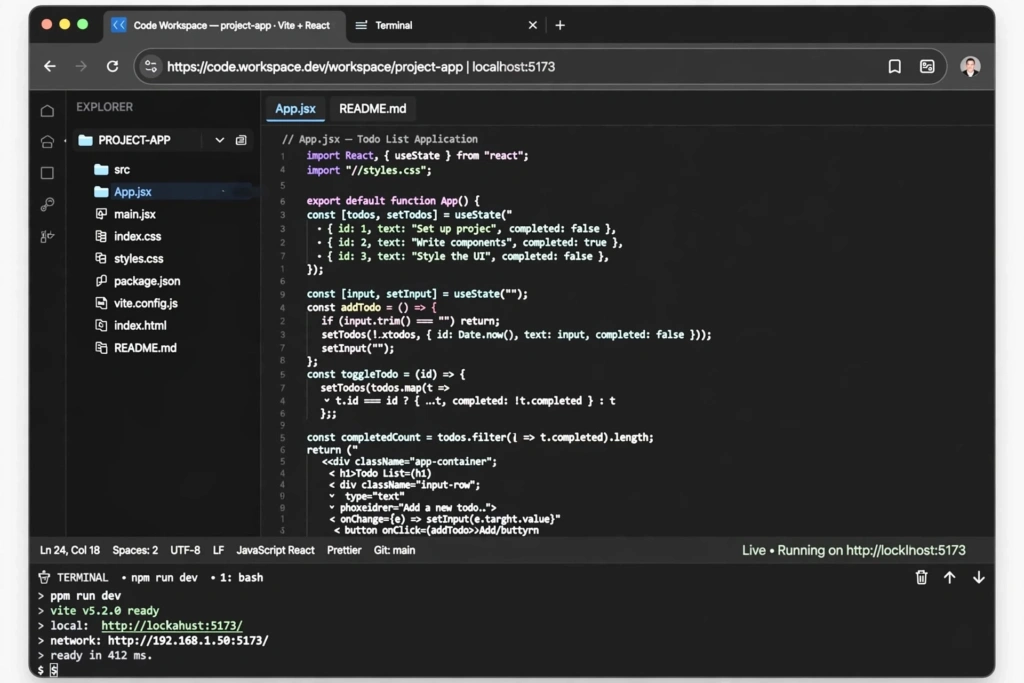
Replit is an online development platform that lets you write and run code from your browser.
Its AI features can help users create applications from descriptions, modify code, troubleshoot problems, and learn programming.
One of its biggest advantages is that you do not need to spend a lot of time setting up a local development environment.
Best for: Beginners and quick web development projects
Why try it?
- Runs in the browser
- Easy to start with
- Useful for learning programming
- Good for quick prototypes
Best AI Coding Tools Comparison
| AI Coding Tool | Best For | Free Option | Main Advantage |
|---|---|---|---|
| GitHub Copilot | Everyday coding | Yes | Code completion |
| Gemini Code Assist | Students and beginners | Yes | Generous free access |
| Cursor | AI-powered development | Limited | AI-first editor |
| Claude Code | Complex projects | Limited | Multi-file coding tasks |
| Windsurf | AI-assisted development | Yes | Project-level assistance |
| Amazon Q Developer | AWS development | Yes | AWS-focused help |
| Replit | Beginners and prototypes | Yes | Browser-based coding |
How AI Coding Tools Can Help Developers
AI coding tools are useful for more than simply generating code.
Faster Code Writing
Developers can describe what they want and receive a starting point instead of writing every line manually.
Debugging
When a program produces an error, an AI coding assistant can help explain the problem and suggest possible fixes.
Learning Programming
Beginners can ask an AI tool to explain a piece of code step by step. This can make unfamiliar programming concepts easier to understand.
Code Explanation
Working with someone else’s project can be difficult. AI tools can explain what a function, class, or file is doing.
Repetitive Tasks
Developers often write similar code repeatedly. AI can handle some of these repetitive tasks, allowing developers to spend more time on the important parts of a project.
Which AI Coding Tool Should You Choose?

The best tool depends on what you are trying to do.
For beginners: Replit and Gemini Code Assist are good places to start.
For everyday coding: GitHub Copilot is a strong option because it works inside popular development environments.
For an AI-focused editor: Cursor is worth considering.
For complex project work: Claude Code can be useful when you need an assistant that can work across multiple files.
For AWS projects: Amazon Q Developer is a natural choice.
For quick browser-based projects: Replit is convenient because you can start coding without setting up a complete local environment.
Are AI Coding Tools Free?
Yes, several AI coding tools offer free plans or free usage.
However, free plans usually come with limitations. These may include a certain number of requests, code completions, messages, or access to particular models.
For example, GitHub currently lists a free Copilot plan with 2,000 completions per month.
Therefore, before choosing a tool, check its current free-plan limits. These limits can change over time.
Tips for Using AI Coding Tools
AI can save time, but developers should not blindly copy everything it produces.
Here are some useful practices:
- Understand the code before using it.
- Test generated code properly.
- Check for security problems.
- Give the AI clear instructions.
- Break large tasks into smaller steps.
- Use AI to learn instead of depending on it for everything.
- Review changes before adding them to your project.
AI can make programming faster, but the developer still needs to understand what the application is doing.
Final Thoughts
The best AI coding tools can make programming easier, faster, and more convenient. Tools such as GitHub Copilot, Gemini Code Assist, Cursor, Claude Code, Windsurf, Amazon Q Developer, and Replit each have different strengths.
If you are a beginner, start with a free tool and use it to learn how code works. If you are working on larger projects, an AI editor or coding agent may save considerably more time.
The most important thing is not to find one tool that does everything. Try a few options and choose the one that fits your programming language, development environment, and