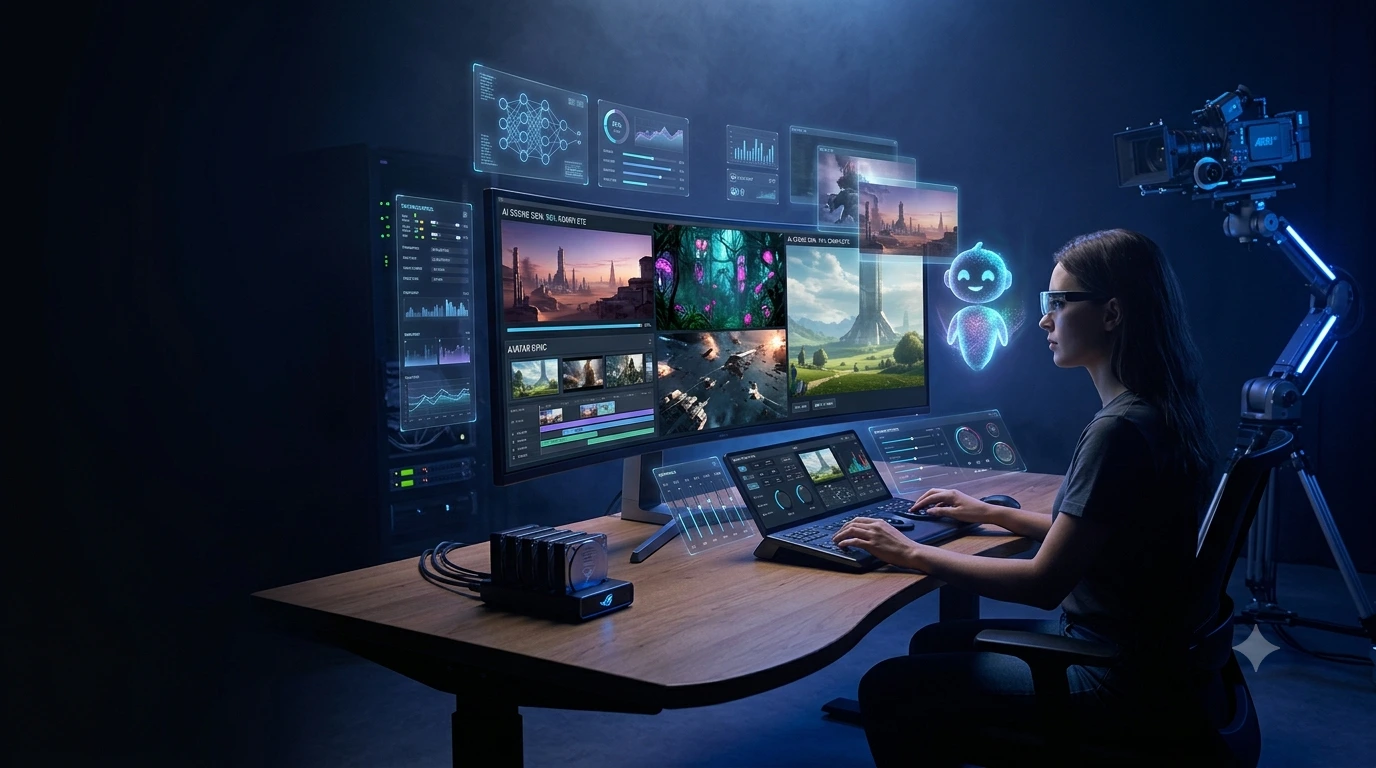
Creating videos is much easier than it used to be. A camera, actors, studio equipment, and advanced editing skills are not always necessary anymore. The best AI video generators can help turn a written idea into a short video, animate an image, create a digital presenter, or build a simple scene from a text prompt.
This can be useful for many types of creators. Bloggers can make videos for articles. Businesses can prepare promotional content. Students can create visuals for presentations. Social media creators can also test short video ideas without recording everything from the beginning. In my experience, the biggest advantage of AI video generators is the time saved during the early stages of creating a video.
Modern AI video generators can do much more than create a basic moving picture. Depending on the platform, AI video generators can support text-to-video, image-to-video, character animation, video editing, and avatar-based presentations. Some platforms are made for cinematic footage, while others are more useful for social media, marketing, training, or presenter-style videos.
That variety can make choosing an AI video generator confusing.
In this guide, we will look at some of the best AI video generators in 2026, what each tool is useful for, who may benefit from each option, and what to check before using an AI video generator for a personal or business project.
How AI Video Generators Work
AI video generators create or change video using instructions, images, existing footage, or scripts. The process can be quite simple. A user explains what should appear in the video, and the AI video generator creates a result based on the instructions.
For example, one could describe a scene like:
“An electric car driving through a modern city at sunset, cinematic camera movement, realistic lighting.”
Depending on the platform, the description can become a short video clip.
Some AI video generators also let users upload an image and add movement to the image. Other tools can create a presenter that reads a script. Some can also add effects or make changes to existing footage.
The important point is that AI video generators do not all work in the same way. The right choice depends on the kind of video a user wants to create.
1. Runway
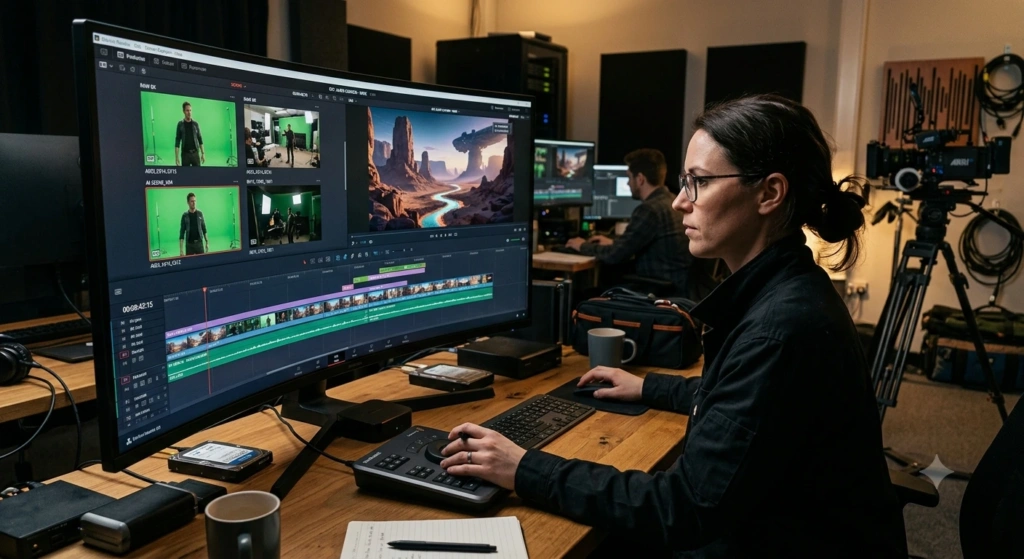
Runway is a useful choice for creators who want more control over AI video generation.
Runway can be useful for cinematic projects, advertising ideas, product videos, and creative experiments. The platform is especially interesting when a creator wants to work on a video instead of simply generating one short clip and stopping there.
Rather than treating video generation as a single-click task, Runway provides a wider workspace for creating and working with video.
Best for: Cinematic content, marketing videos, creative projects, and professional workflows.
Why consider it?
- Strong creative control
- Useful for cinematic scenes
- Suitable for professional projects
- Helpful for experimenting with generated footage
If control is more important than simply getting a random video clip, Runway is worth explori
2. Google Veo
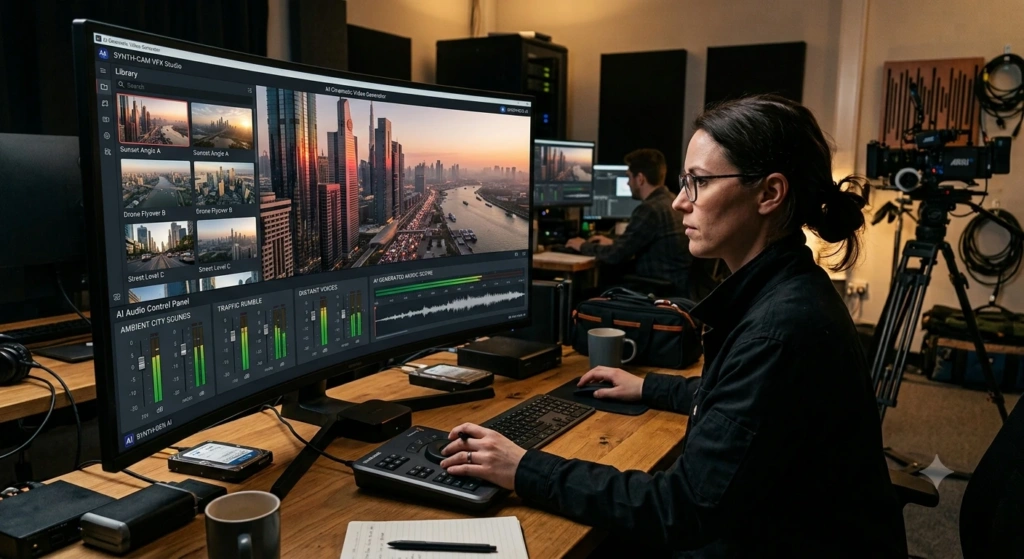
Google Veo is another option for people who want realistic scenes and detailed video prompts.
One feature that has received attention is audio generation. Google Veo can create video with elements such as dialogue, sound effects, and background audio, depending on the version and access available.
This can be helpful when a silent video clip is not enough for a project.
For example, a creator could describe a scene where a character is speaking in a particular location and use the generated video as the starting point for a longer project.
Best for: Realistic scenes, storytelling, audio-supported video, and creative experiments.
Why consider it?
- Strong visual quality
- Useful for detailed prompts
- Audio capabilities
- Suitable for storytelling
3. Kling AI
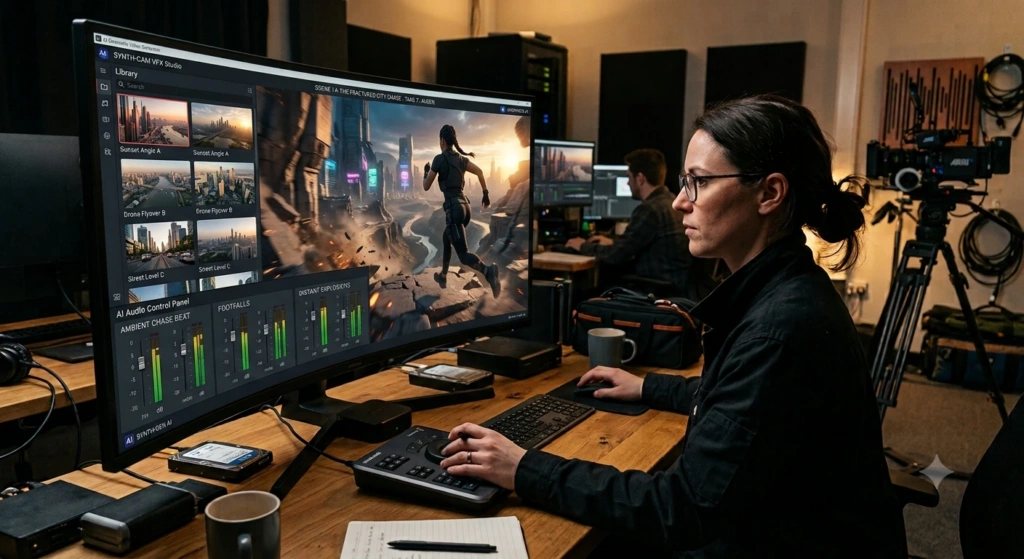
Kling AI is worth considering when movement and realistic-looking scenes are important.
Good movement can be difficult for AI video generators. Objects need to move naturally, people should remain consistent, and the scene should not suddenly change without a reason.
Kling AI is useful for creators who want to experiment with movement, action, atmospheric scenes, or cinematic footage.
This makes Kling AI an interesting option for projects where motion is an important part of the final video.
Best for: Motion-heavy scenes, cinematic clips, creative storytelling, and visual experiments.
Why consider it?
- Strong motion generation
- Useful for cinematic scenes
- Good option for experimenting with movement
- Suitable for creative
4. Pika
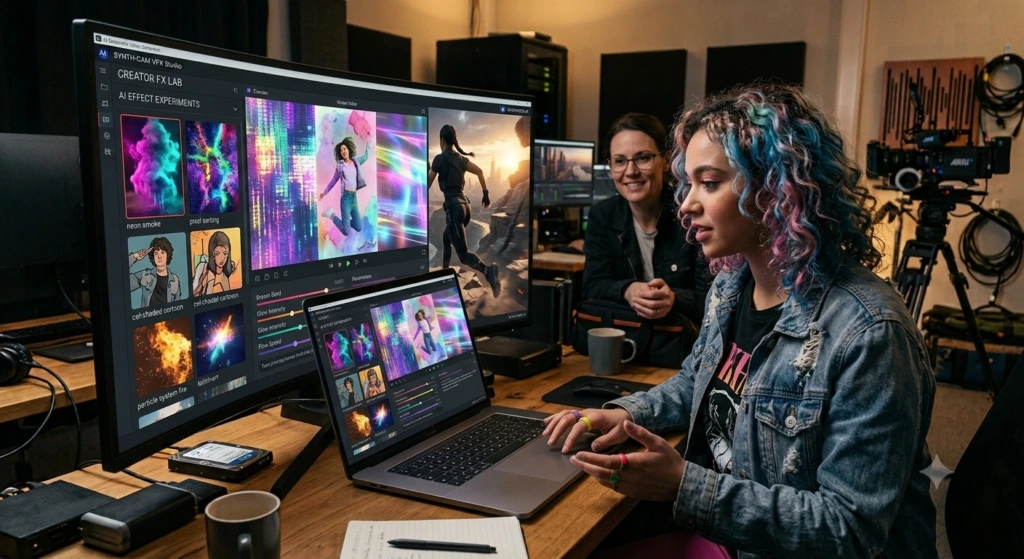
Pika is particularly useful for people who create short-form social content.
Not every video needs to look like a movie. Sometimes a creator simply needs something unusual, fun, or visually interesting for a social media post.
Pika focuses on creative effects and short video ideas, making Pika useful for quick experiments. A social media creator can test different visual ideas without spending hours editing a video manually.
Best for: Social media creators, short videos, visual effects, and quick experiments.
Why consider it?
- Simple creative workflow
- Useful for short-form content
- Good for visual effects
- Suitable for experimenting with different styles
5. Luma Dream Machine
Luma Dream Machine is another option for creators who want to experiment with generated footage and visual storytelling.
Luma Dream Machine can be useful when a creator wants to test an idea before spending more time on a finished production.
For example, a creator could generate several versions of a scene, choose the version that looks most promising, and then continue developing the project.
Luma Dream Machine is worth considering for creative projects where testing different visual ideas is part of the process.
Best for: Creative projects, visual storytelling, and experimentation.
Why consider it?
- Useful for visual concepts
- Good for experimenting with scenes
- Suitable for creative workflows
- Helpful when developing ideas
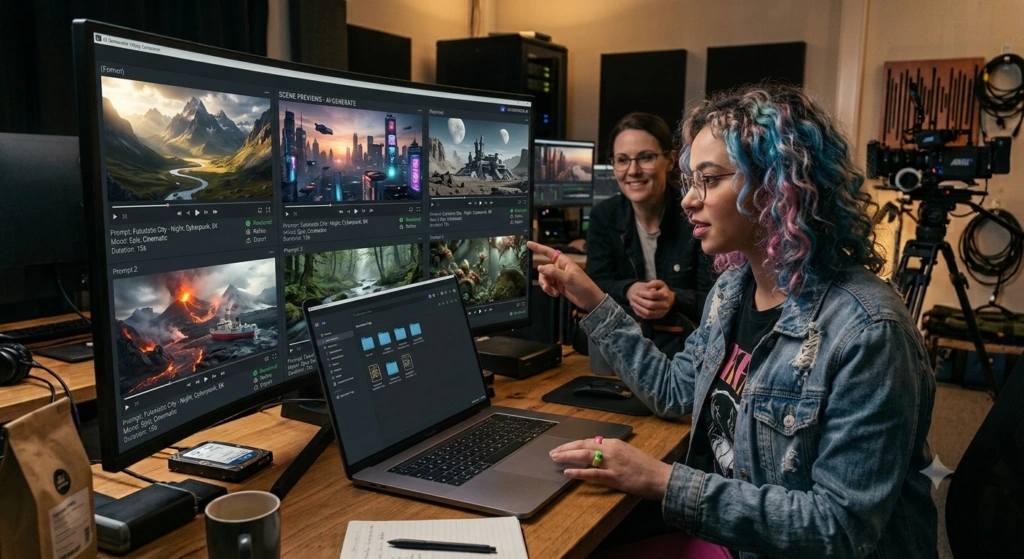
6. HeyGen
Not every AI video project needs a cinematic scene.
Sometimes a video simply needs a person to explain something clearly.
HeyGen focuses on AI avatars and presenter-based videos. This makes HeyGen useful for marketing messages, educational content, product explanations, and other videos where a digital presenter needs to speak to the viewer.
For a business, this can be convenient when a short presentation or explanation needs to be created without arranging a traditional recording session.
Best for: Marketing videos, presentations, explainers, and avatar content.
Why consider it?
- Useful for presenter videos
- Suitable for business content
- Helpful for multilingual and marketing workflows
- Reduces the need for traditional filming
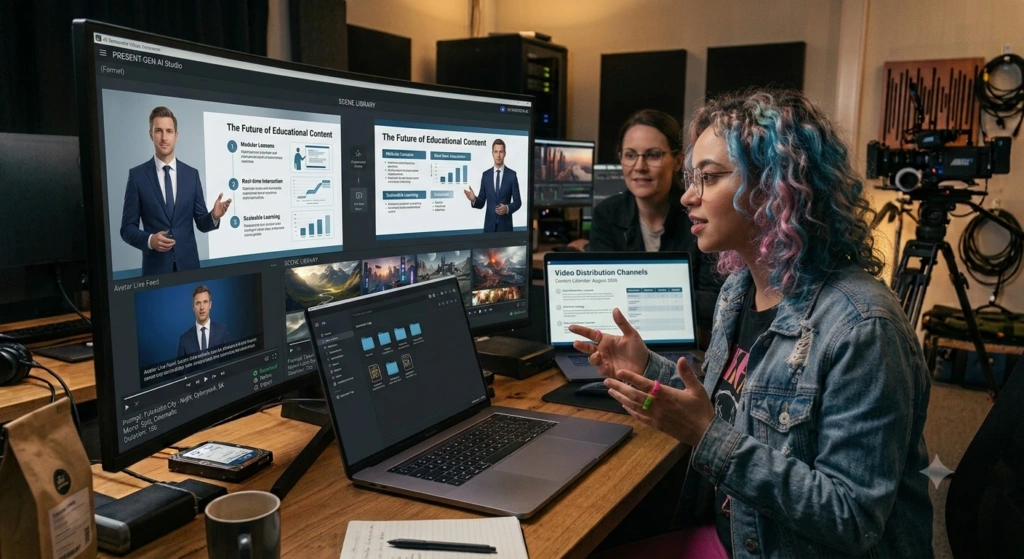
7. Synthesia
Synthesia is another platform focused on presenter-style videos rather than cinematic text-to-video generation.
Synthesia can be useful for organizations that need training videos, internal communication, educational material, or structured presentations.
Instead of recording a person every time a training lesson needs an update, a team can prepare a script and use an AI presenter to deliver the information.
Best for: Training videos, corporate communication, educational content, and presentations.
Why consider it?
- Designed for business communication
- Useful for training material
- AI presenters can explain scripted content
- Suitable for repeatable video production
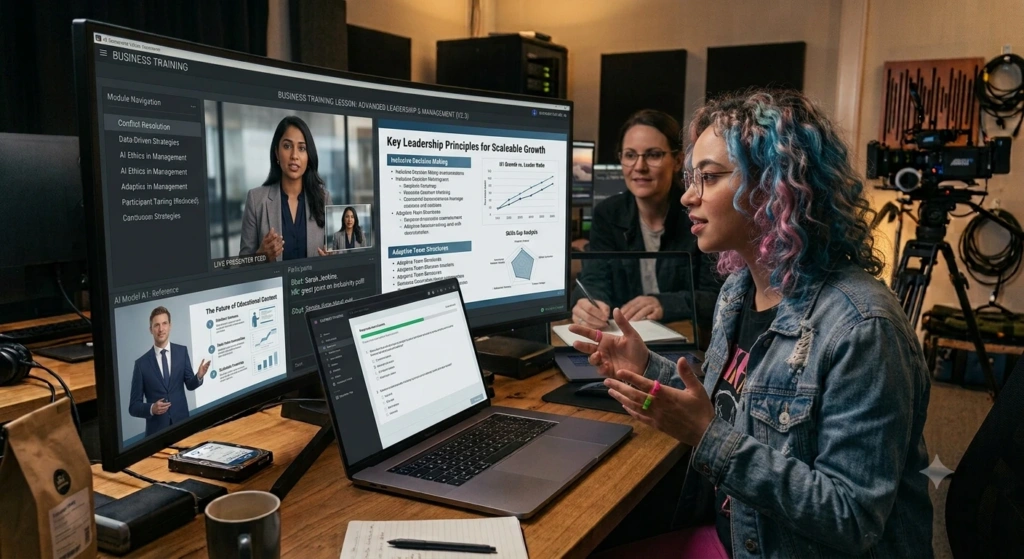
Which AI Video Generator Should You Choose?
The best AI video generator depends on what you want to create. A tool that works well for a cinematic project may not be the right choice for a training video.
| What you want to create | Tool to consider |
|---|---|
| Controlled cinematic video | Runway |
| Realistic scenes with generated audio | Google Veo |
| Motion-heavy and cinematic clips | Kling AI |
| Social media experiments | Pika |
| Creative visual storytelling | Luma Dream Machine |
| Avatar-led marketing videos | HeyGen |
| Training and business presentations | Synthesia |
There is no need to choose an AI video generator simply because the tool appears at the top of a ranking. A filmmaker, blogger, social media creator, and company making employee-training videos can have very different needs.
How to Get Better Results From AI Video Generators
The wording of a prompt can affect the final result. A short prompt may work, but adding a few useful details can make the intended scene clearer.
Compare these two prompts:
Short prompt:
“A mountain.”
Detailed prompt:
“A snow-covered mountain beside a clear blue lake, pine trees in the foreground, early morning sunlight, light mist, realistic travel photography.”
The second prompt gives the AI video generator more information about the scene.
Depending on the project, useful prompt details can include:
- Main subject
- Location
- Movement
- Lighting
- Weather
- Time of day
- Mood
- Camera angle
- Art style
- Important objects
A prompt does not need to be extremely long. Clear details are usually more useful than adding random words.
Text-to-Video vs Image-to-Video
AI video generators commonly support different ways of starting a project.
Text-to-Video
A user describes a scene with words, and the AI video generator creates a video from the description.
This is useful when the starting point is an idea rather than an existing image.
Image-to-Video
A user uploads an image and asks the AI video generator to add movement.
This can be useful for photographs, illustrations, product images, or character designs.
AI Avatar Video
A user provides a script and selects an AI presenter.
The AI video generator then creates a presenter-style video based on the selected avatar and script.
Choosing the right method can make the video creation process much easier.
Are AI Video Generators Free?
Some AI video generators offer free access, but free plans often have limits.
A free account may include a small number of credits, shorter video lengths, watermarks, fewer export options, or limited access to certain models.
The available features can also change when companies update their plans.
If regular video creation is part of a content strategy, check the current pricing, credits, export limits, and available features before choosing an AI video generator.
What Are AI Video Generators Good For?
AI video generators can be useful for many everyday content projects.
Social Media Content
Social media creators can make short clips for Instagram, YouTube, and other social platforms.
Marketing
Businesses can use AI video generators to test product videos, advertisements, promotional ideas, and social media campaigns.
Education
Teachers and course creators can prepare visual explanations, lessons, and presentation material.
Blogging
Bloggers can turn written ideas into short videos that support a blog post.
Storytelling
Writers and filmmakers can create short clips to visualize scenes before investing time and money in a full production.
What AI Video Generators Still Struggle With
AI video has improved a lot, but AI video generators are still not perfect.
Some videos may have problems with:
- Hands and fingers
- Facial details
- Text inside scenes
- Object consistency
- Complex interactions
- Character continuity
- Physics
- Long sequences
A video can look excellent for several seconds and then suddenly show an obvious mistake.
That is why checking the complete video before publishing is important.
Check Usage Rights Before Publishing
If AI video generators are being used for business work, free access does not automatically mean that every type of commercial use is allowed.
Check the platform terms before using a video for:
- Paid advertisements
- Client projects
- Product promotions
- Commercial websites
- Monetized channels
Usage rules can differ between AI video generators and between free and paid plans.
Frequently Asked Questions
What are the best AI video generators in 2026?
Popular options include Runway, Google Veo, Kling AI, Pika, Luma Dream Machine, HeyGen, and Synthesia. The right AI video generator depends on whether the project needs cinematic footage, social content, AI avatars, or business videos.
Can beginners use AI video generators?
Yes. Many AI video generators offer simple interfaces and text prompts. Beginners can start with short projects and learn more features over time.
Can AI create a video from text?
Yes. Text-to-video is one of the main ways modern AI video generators create short video clips.
Can I use AI-generated videos on YouTube?
The answer can depend on the AI video generator terms, the type of content, and YouTube policies. Check the current rules before publishing monetized content.
Are AI-generated videos realistic?
AI video generators can create realistic-looking results, but mistakes can still happen. Movement, hands, text, objects, and longer scenes can sometimes cause problems.
Final Thoughts
AI video creation has become much easier to try. A written idea can become a short video clip, an existing image can be animated, and an AI presenter can deliver a prepared script without setting up a traditional recording.
The best AI video generators are not all designed for the same purpose. Runway is useful for controlled creative work. Google Veo is worth considering for realistic scenes and audio. Kling AI can be useful when movement matters, while Pika works well for short creative content. Luma Dream Machine is useful for visual experiments, and HeyGen and Synthesia are better suited to presenter-based videos.
The easiest way to find the right AI video generator is to test a few tools with the same idea. Compare the movement, video quality, prompt accuracy, editing options, generation limits, and usage rules.
After trying a few options, the differences become much easier to understand. The best AI video generator is ultimately the one that fits the type of video you actually want to create.