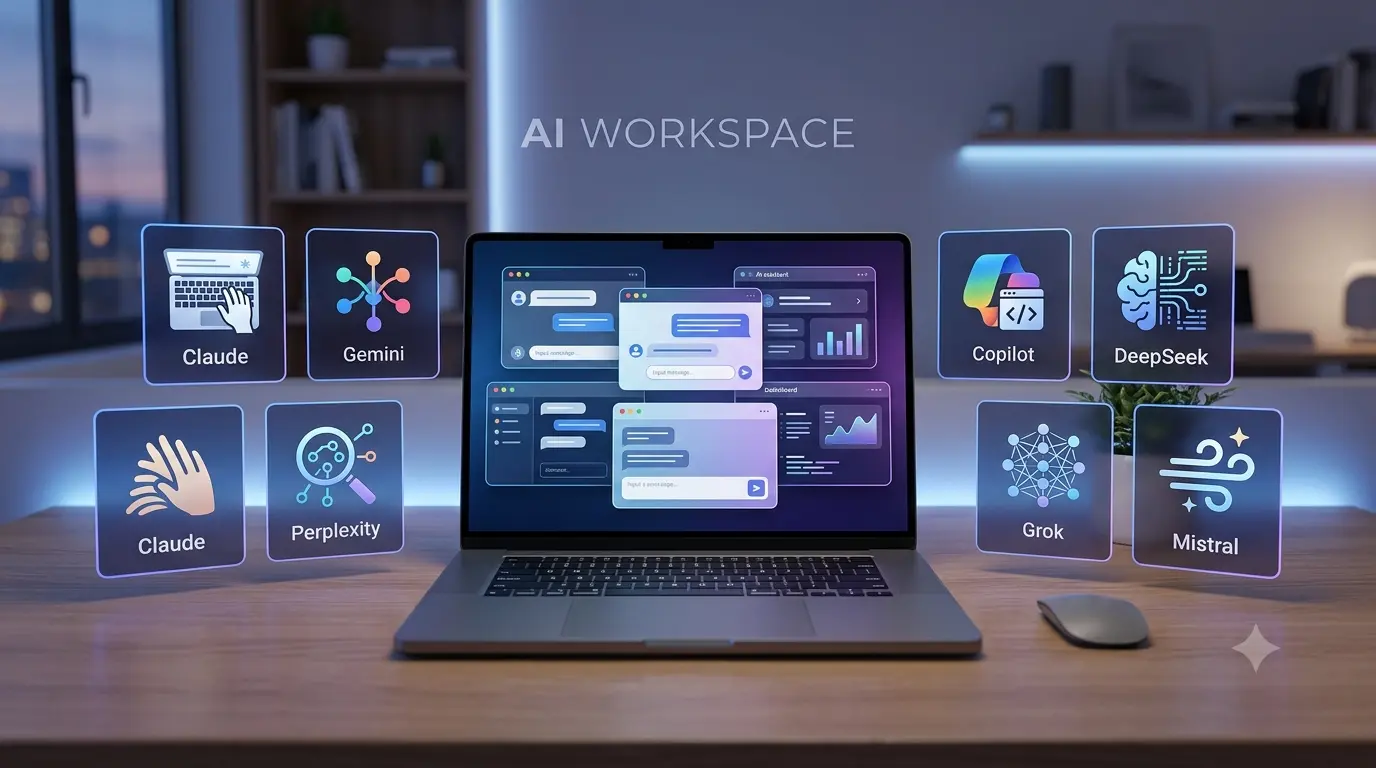
If you use AI for writing, studying, research, coding, or everyday tasks, you may have wondered whether there are good ChatGPT alternatives available. The answer is yes. In 2026, several AI assistants offer different strengths, from research and writing to Google Workspace integration, coding, and real-time information.
You do not necessarily need to stop using ChatGPT. Instead, choosing another AI tool can give you a second option when you want a different writing style, more research-focused answers, or better integration with the apps you already use.
Why Look for ChatGPT Alternatives?
ChatGPT is a general-purpose AI assistant, but different AI tools are designed around different workflows. One tool may be better for long-form writing, while another may be more useful for web research or working with Google apps.
Another reason to try alternatives is simple: AI changes quickly. New models and features are released regularly, so the tool that works best for you today may not be the same one you prefer a few months from now.
The goal is not to find one AI that wins at everything. It is to find the tool that matches the task you actually need to complete.
Best ChatGPT Alternatives to Try
1. Claude
Claude is one of the strongest alternatives for people who care about writing quality, reasoning, coding, and working with longer pieces of information. Anthropic continues to develop Claude for professional and coding workflows, including more agentic capabilities.
For example, you can use Claude to:
- Rewrite and improve articles
- Brainstorm ideas
- Analyze documents
- Review code
- Work through complicated problems
- Create long-form content
Claude is particularly worth trying if you want responses that feel thoughtful and structured rather than simply fast.

2. Google Gemini
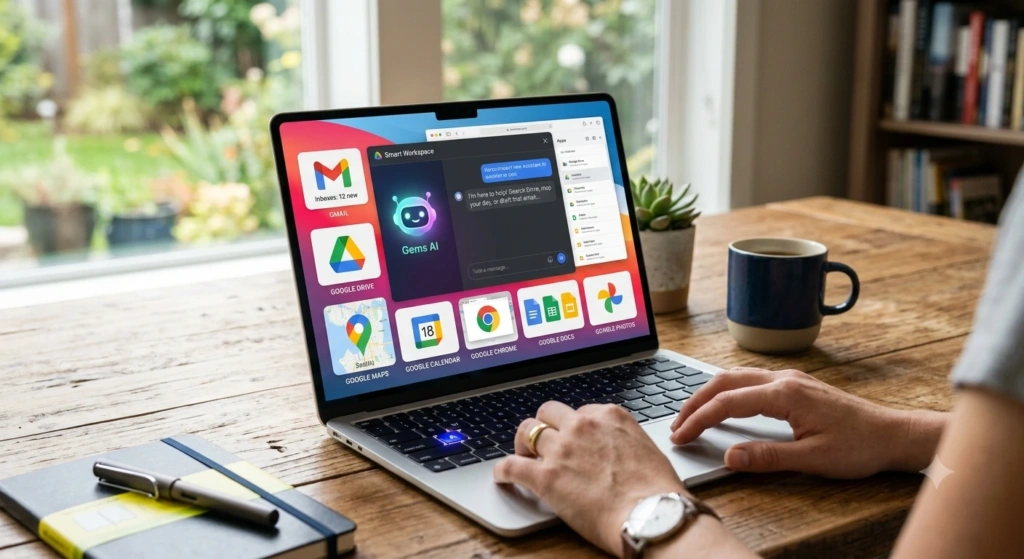
Google Gemini is a strong choice for people already using Google’s ecosystem. It can help with writing, brainstorming, learning, document analysis, images, and information connected with Google services.
Gemini can also work with different types of input, including text, images, files, and camera input. Its integration with Google services makes it especially interesting for students, content creators, and people who regularly use Gmail, Drive, Maps, or other Google products.
Best for: Google users, students, brainstorming, multimodal tasks, and research.
3. Perplexity
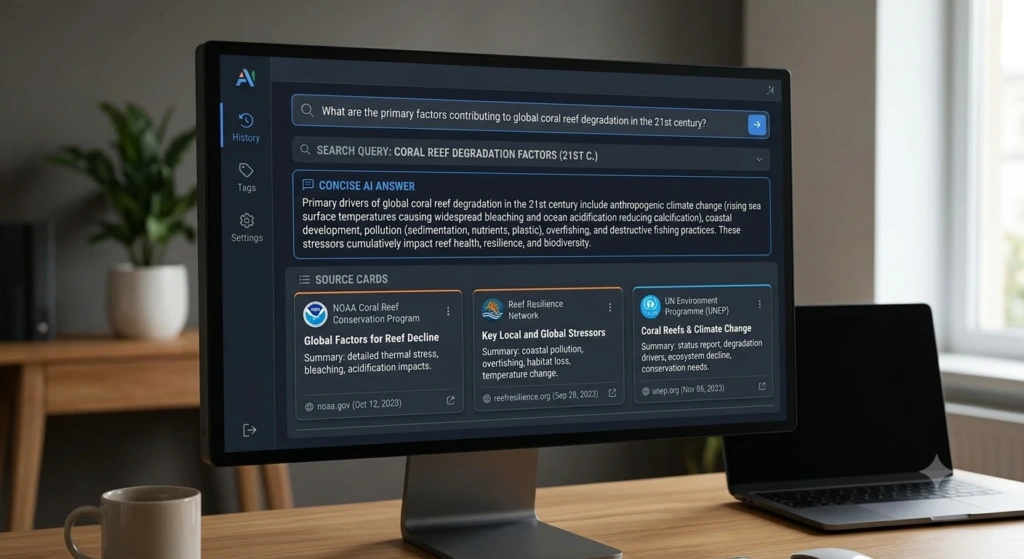
Perplexity takes a different approach from a traditional chatbot. It is particularly useful when you want to research a topic and see sources alongside the answer.
This makes it useful for students, bloggers, marketers, and researchers who want to investigate a subject rather than simply generate text.
For example, instead of asking for a general explanation of a topic, you can ask Perplexity to research recent developments and then check the sources it provides.
Best for: Research, fact-finding, current information, and source-backed answers.
4. Microsoft Copilot
Microsoft Copilot is worth considering if your daily work revolves around Microsoft’s ecosystem. It can be useful for people working with documents, presentations, spreadsheets, emails, and other Microsoft-based workflows.
For office users, the biggest advantage of an AI assistant is not simply answering questions. It is helping reduce repetitive work and making everyday productivity tasks easier.
Best for: Microsoft 365 users, workplace productivity, documents, and office

5. DeepSeek
DeepSeek has become another name worth knowing in the AI chatbot space. It is especially interesting for users looking for a powerful alternative without immediately committing to a paid AI subscription.
It can be useful for general questions, reasoning, coding, brainstorming, and technical tasks. As with any AI assistant, you should still verify important information before relying on it.
Best for: Users looking for another capable AI option, coding, reasoning, and experimentation.

6. Grok
Grok is another alternative to consider if you are interested in conversational AI and current information. Its position within the X ecosystem makes it different from many other AI assistants.
It can be useful for brainstorming, general questions, and exploring current online discussions. However, information from any AI system should be checked before being treated as a reliable fact.
Best for: Conversational AI, current topics, brainstorming, and users interested in the X ecosystem.
7. Mistral
Mistral’s AI tools are another option for users who are interested in AI beyond the biggest consumer chatbot brands. Mistral focuses heavily on AI models and developer-oriented use cases.
It can be worth exploring if you are a developer, technical user, or simply want to compare different AI models instead of relying on one assistant.
Best for: Developers, technical users, and people exploring different AI models.

ChatGPT Alternatives Compared
| AI Tool | Best For | Main Strength |
|---|---|---|
| Claude | Writing and coding | Strong reasoning and long-form work |
| Google Gemini | Google users | Google ecosystem and multimodal features |
| Perplexity | Research | Source-focused answers |
| Microsoft Copilot | Office users | Microsoft productivity |
| DeepSeek | General AI and coding | Accessible AI experimentation |
| Grok | Current conversations | Real-time-oriented conversational use |
| Mistral | Developers | Technical and model-focused workflows |
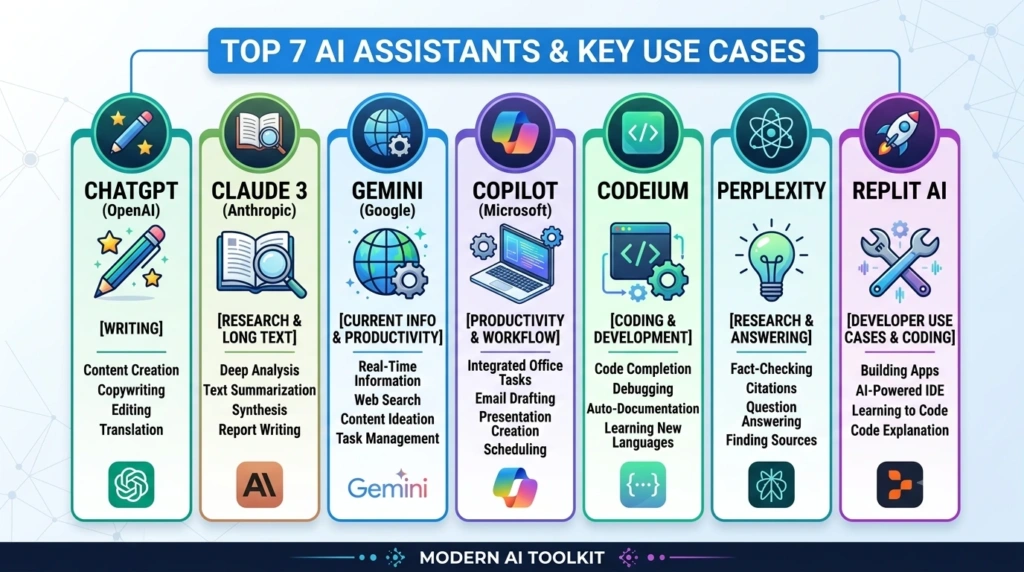
The “best” option depends on what you are trying to accomplish. Recent comparisons similarly highlight Claude for writing and coding, Gemini for Google users, Perplexity for research, and Copilot for Microsoft workflows.
How to Choose the Best ChatGPT Alternatives
Before switching to another AI assistant, think about what you actually use AI for.
If you mainly write blog posts, emails, or long documents, try Claude. If you live inside Google’s ecosystem, Gemini may fit your workflow better. For research where checking sources matters, Perplexity is a strong option. Microsoft users may prefer Copilot, while developers can experiment with tools such as DeepSeek and Mistral.
You can also use more than one tool. Many people keep a general AI assistant for everyday tasks and use a second tool when a particular job requires different strengths.

Are ChatGPT Alternatives Free?
Many AI assistants offer some form of free access, although limits, features, models, and usage allowances can change over time. Paid plans generally provide higher limits or access to additional capabilities.
Before paying for an AI subscription, try the free version first. Give it the type of tasks you normally perform and see whether the results actually improve your workflow.
Also remember that AI pricing and features change frequently. Always check the provider’s current plan details before making a purchase.
Which ChatGPT Alternative Is Best for You?
There is no single winner for everyone.
Claude is a strong choice for writing, reasoning, and coding. Gemini makes sense for people who use Google services heavily. Perplexity stands out for research and source-based answers. Copilot is useful for Microsoft-focused productivity, while DeepSeek, Grok, and Mistral offer additional choices for different users and workflows.
The best approach is to test two or three tools with the same prompts. Compare the answers, writing style, accuracy, speed, and features. After a few tests, you will have a much better idea of which AI assistant fits your needs.
Final Thoughts
The growing number of ChatGPT alternatives is good news for AI users. You are no longer limited to one chatbot or one way of working. Tools such as Claude, Gemini, Perplexity, Copilot, DeepSeek, Grok, and Mistral each bring something different to the table.
Instead of asking which AI is universally the best, ask a more useful question: Which AI is best for my work? Once you know what you need—writing, research, coding, productivity, or creativity—it becomes much easier to choose the right tool.