
The best AI tools for students can make studying easier, faster, and more organized. From understanding difficult topics and completing research to creating presentations and improving writing, AI tools can help students save valuable time and learn more effectively.
College life is not easy. Lectures, assignments, practicals, exams, and projects—everything comes at the same time. Sometimes, even a small topic takes two hours to understand.
That’s why students are now using AI—not to cheat, but to save time and actually understand things better. If you use it correctly, AI can be your personal tutor, available 24×7.
Quick List – Best AI Tools for Students
| AI Tool | Best For |
|---|---|
| ChatGPT | Explaining topics, assignments, ideas |
| Google Gemini | Research & Google Docs work |
| NotebookLM | Studying your own notes & PDFs |
| Perplexity | Research with real sources |
| Claude | Writing better essays & reports |
| Grammarly | Fixing grammar mistakes |
| Canva | Presentations and posters |
| GitHub Copilot | Coding help |
| Gamma | Making PPTs in minutes |
| DeepL | Translation |
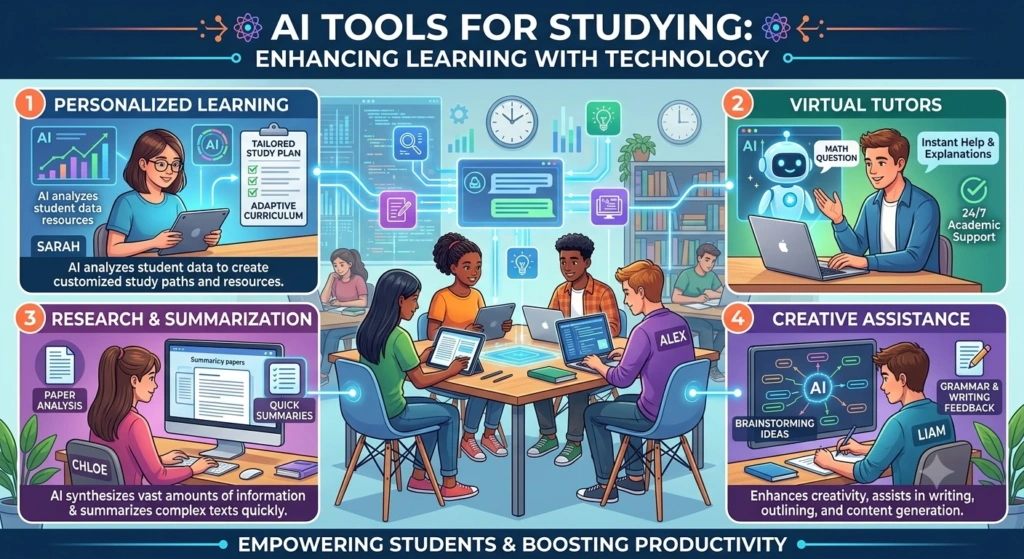
Free plans change every few months, so check the official site before you depend on any feature.
1. ChatGPT – Best AI Tool for Students Overall
Why ChatGPT is a must for every student?
ChatGPT is like that one smart friend who knows everything. You can ask it to explain a tough topic in simple words, make practice questions, summarize a chapter, or even debug your code.
Don’t use it like this:
“Write my assignment.”
Use it like this:
“Explain this topic in easy language and then give me 5 questions to test myself.”
That’s how you actually learn.
How students use ChatGPT daily
- Understand difficult subjects in simple language
- Make revision questions and quizzes
- Get ideas for projects and seminars
- Improve your writing drafts
- Learn coding logic
- Prepare for interviews

2. Google Gemini – Best AI Tool for Students for Research
Why Gemini is great if you use Google?
If your college work is in Google Docs, Gmail, and Drive, Gemini is perfect. It can read your docs, help with research, and even turn your class notes into a personal quiz.
Google also gives some student-focused study features now.
How Gemini helps students
- Explains tough concepts with examples
- Works with your documents
- Creates study questions from your material
- Helps organize information for assignments
3. NotebookLM – Best AI Study Tool for Students
What makes NotebookLM different?
This is my favorite tool for exams. Normal chatbots answer from the internet. NotebookLM answers from YOUR notes.
You upload your PDFs, lecture notes, or textbook and ask:
“Explain chapter 4 in easy words and give 15 important questions.”
It will answer from your material.
Best use for students
- Revising before exams
- Understanding long PDFs quickly
- Making study guides
- Asking questions to your own notes
If your exams depend on your own notes, you must try this.

4. Perplexity – Best AI Research Tool for Students
Why Perplexity is better than Google for assignments?
On Google, you have to open 10 websites. On Perplexity, you ask one question and it gives you a direct answer with source links.
Perfect for finding genuine sources for your assignments.
When to use it?
- For assignment research
- To find real source links
- To understand current topics
- To fact-check information
Just remember—always open the original source before adding it to your assignment.

5. Claude – Best AI Writing Tool for Students
Why writers love Claude?
Claude doesn’t sound like AI. It sounds like a real senior helping you.
If you have a rough draft, give it to Claude and say:
“Make this more clear and readable.”
It will fix your sentences, organize your ideas, and improve the structure without changing your meaning.
Best for
- Essays
- Reports
- Project documentation
- Emails to professors
- Summarizing long articles
6. Grammarly – Best AI Grammar Tool for Students
Why Grammarly is important?
Even a good assignment looks bad with small grammar mistakes. Grammarly checks your spelling, punctuation, and grammar in seconds.
Use it before you submit any assignment, resume, or email.
Who should use it?
Every student who writes in English.
7. Canva – Best AI Tool for Student Presentations
How Canva saves you hours?
Making a PPT from a blank slide is painful. Canva gives you ready-made, beautiful templates. You just change the text and your presentation is ready.
You can make:
- College presentations
- Project posters
- Infographics
- Resumes
- Event posts
Free plan is enough for most college work.

8. GitHub Copilot – Best AI Coding Tool for Students
How does it help in coding?
Every coding student gets stuck on small errors. GitHub Copilot sits inside your VS Code and suggests code, finds bugs, and explains concepts.
It supports Python, Java, JavaScript, HTML/CSS, and more.
My advice for coding students
Don’t just copy.
Ask it:
“Why is this code working? What’s the logic behind it?
That is how you will actually learn programming.

9. Gamma – Best AI Tool for Students to Create Presentations
What is Gamma?
Gamma is for when you need a presentation urgently.
You just type your topic, like:
“Presentation on Artificial Intelligence for 10 slides.”
It creates the whole structure. You can then add your own points.
Best for
- Seminar presentations
- Group projects
- Business plan slides
10. DeepL – Best AI Translation Tool for Students
Why use DeepL?
If you study material in another language or need to translate articles, DeepL is much more natural than Google Translate.
Be careful with technical words, though—sometimes the meaning changes.
How Students Can Use AI Tools Without Cheating
This is the most important part.
Don’t do this:
“Give me the answer to this assignment.”
Do this instead:
“Explain how to solve this step-by-step, let me try the last step myself.”
Follow this simple rule:
- Try to learn the topic yourself first
- Use AI when you get stuck
- Verify facts from real books or sources
- Write the final answer in your own words
- Always follow your college’s AI policy

Which AI Tools Should Students Pick Based on Their Work?
For studying and understanding topics
ChatGPT, Gemini, NotebookLM
For research and assignments
Perplexity and Gemini
For writing and essays
Claude, ChatGPT, and Grammarly
For presentations
Canva and Gamma
For coding
GitHub Copilot and ChatGPT
For translation
DeepL
You don’t need all 10. Start with 2 tools that solve your biggest problem.
Final Thoughts on the Best AI Tools for Students

Yes, if you use them as a tutor, not as a shortcut.
AI can save you 2–3 hours daily, explain things better than a textbook, and help you revise faster. But it can also give wrong answers with full confidence.
So, use AI to learn faster, not to skip learning.
Start with one tool today—maybe ChatGPT or NotebookLM—use it on your real college work, and see how much time it saves.
That will be the best AI tool for you.