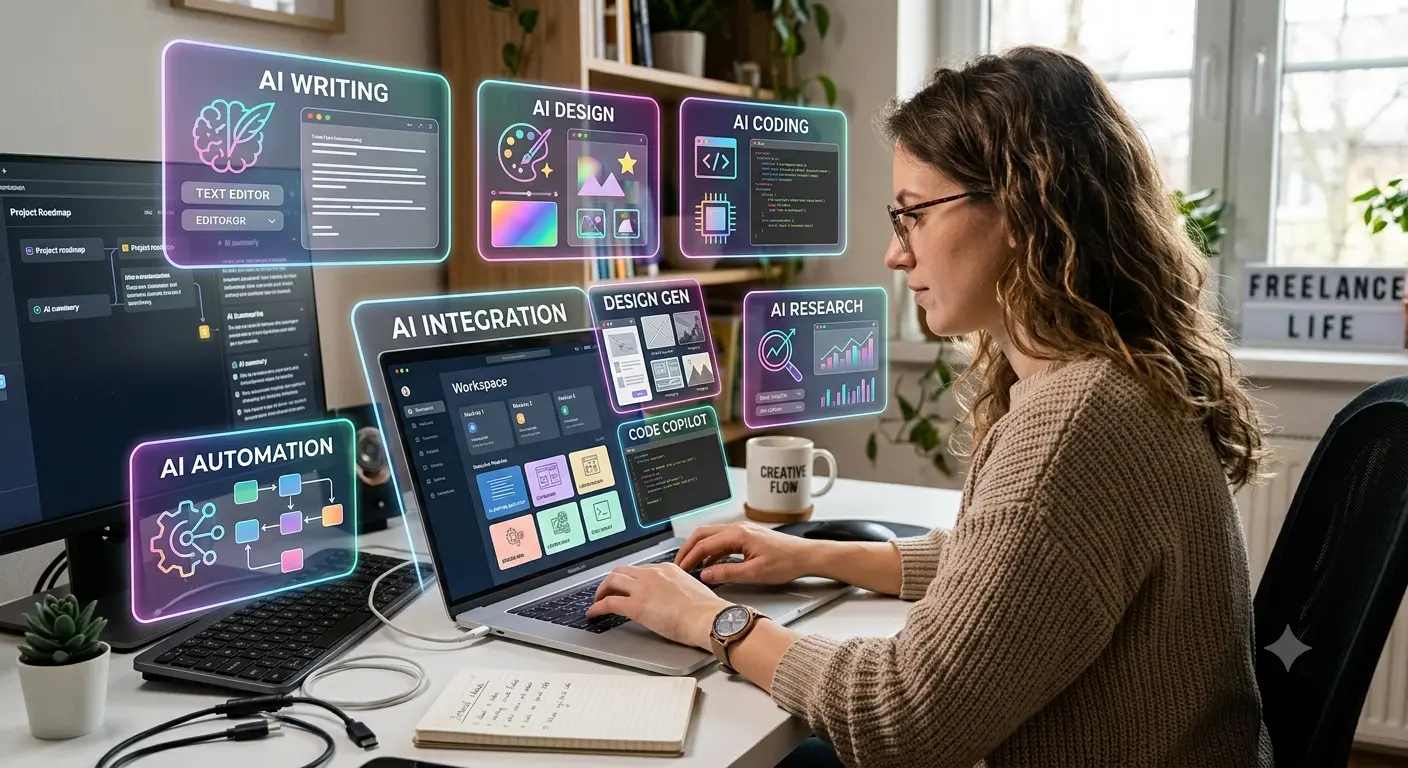
Finding the best AI tools for freelancers can make everyday work much easier. From writing and designing to managing projects and communicating with clients, AI tools can help freelancers save time, stay organized, and get more done. In this guide, we’ll look at 10 useful AI tools that can help you work smarter and faster.
Quick List of the Best AI Tools for Freelancers
| AI Tool | Best For |
|---|---|
| ChatGPT | Writing, research, brainstorming and general tasks |
| Claude | Long documents and detailed writing |
| Canva | Graphic design and social media content |
| Grammarly | Grammar and writing improvement |
| Notion AI | Organization and project management |
| Perplexity | Research and finding information |
| Otter.ai | Meeting transcription and notes |
| Descript | Video and audio editing |
| Zapier | Workflow automation |
| GitHub Copilot | Coding and development |
Why Should Freelancers Use AI Tools?
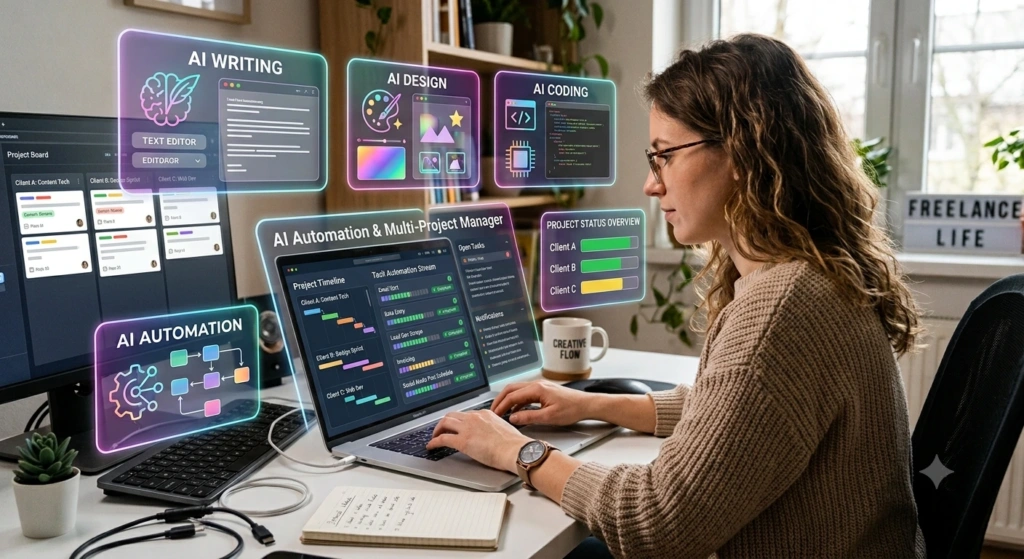
Freelancers often have limited time. Spending several hours on repetitive work means less time for client projects and business growth.
AI can help with many small tasks that add up throughout the day.
For example, a freelance writer can use AI to create an article outline, while a designer can generate ideas for a social media campaign. A developer can use AI to explain code, and a virtual assistant can automate repetitive workflows.
The idea isn’t to hand everything over to AI.
Instead, use AI to handle repetitive work while you focus on creativity, decision-making, and delivering quality work to your clients.
Current freelancer-focused tool roundups commonly highlight writing, design, research, project management, meetings, and automation as the main areas where AI can save time.
1. ChatGPT – Best All-Around AI Tool for Freelancers
ChatGPT is a helpful AI tool for freelancers, as it can assist with a wide range of everyday tasks and projects.
You can use it to:
- Write client emails
- Create freelance proposals
- Brainstorm content ideas
- Create blog outlines
- Rewrite text
- Summarize documents
- Generate social media ideas
- Explain technical concepts
- Create content briefs
- Help with coding
For example, if a client sends you a complicated project brief, you can use ChatGPT to break it into smaller tasks and create a basic workflow.
Best for: Writers, marketers, developers, virtual assistants, consultants, and general freelancers.
Freelancer Tip
Don’t just copy and paste AI-generated content and send it to your client. Use it as a starting point, then add your own ideas, experience, examples, and personal touch to make the work truly yours.
2. Claude – Great for Long Documents and Detailed Work
Claude is another useful AI assistant for freelancers who regularly work with large amounts of text.
It can come in handy when you’re working on…
- Long client briefs
- Reports
- Proposals
- Research documents
- Content drafts
- Business documents
- Programming tasks
Claude is particularly useful when you need to understand or work through a large document instead of asking dozens of separate questions.
Best for: Writers, consultants, researchers, developers, and freelancers who work with long documents.
3. Canva – Best AI Design Tool for Freelancers
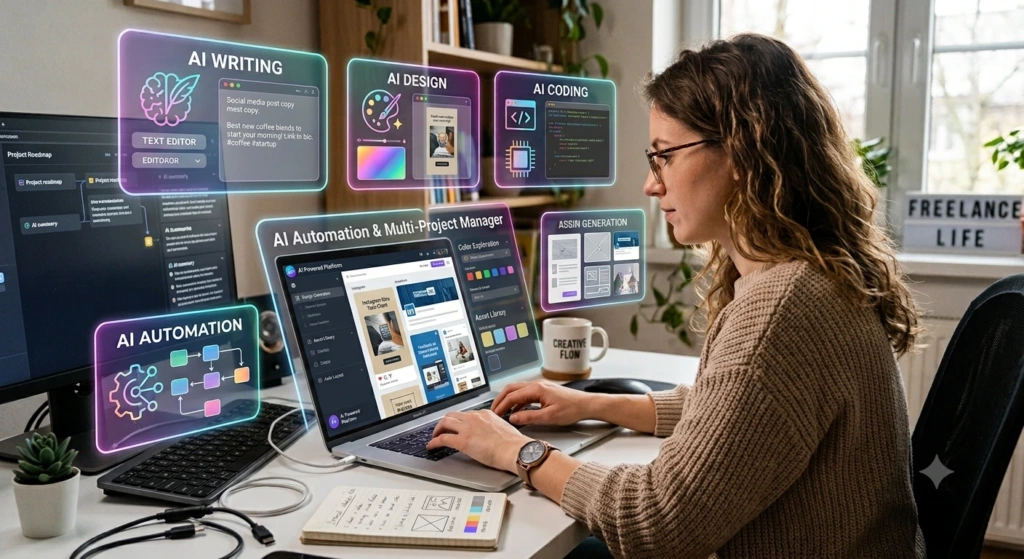
Not every freelancer is a professional graphic designer. However, many freelance jobs still require attractive visuals.
Canva makes it easier to create:
- Instagram posts
- YouTube thumbnails
- Presentations
- Posters
- Client proposals
- Infographics
- Advertisements
- Simple brand materials
AI features can make things easier for freelancers by helping them come up with design ideas and create content without having to start from scratch.
4. Grammarly – Best for Professional Communication
Good communication can make a big difference when you’re working with clients.
Grammarly can help you catch grammar, spelling, and punctuation mistakes while also making your writing clearer and easier to understand. This can be especially useful when you’re writing proposals, emails, reports, or other client-facing content.
For example, before sending an important proposal, you can use Grammarly to check whether your writing sounds clear and professional.
Best for: Almost every freelancer, especially writers, virtual assistants, marketers, and consultants.
5. Notion AI – Best for Organizing Freelance Work
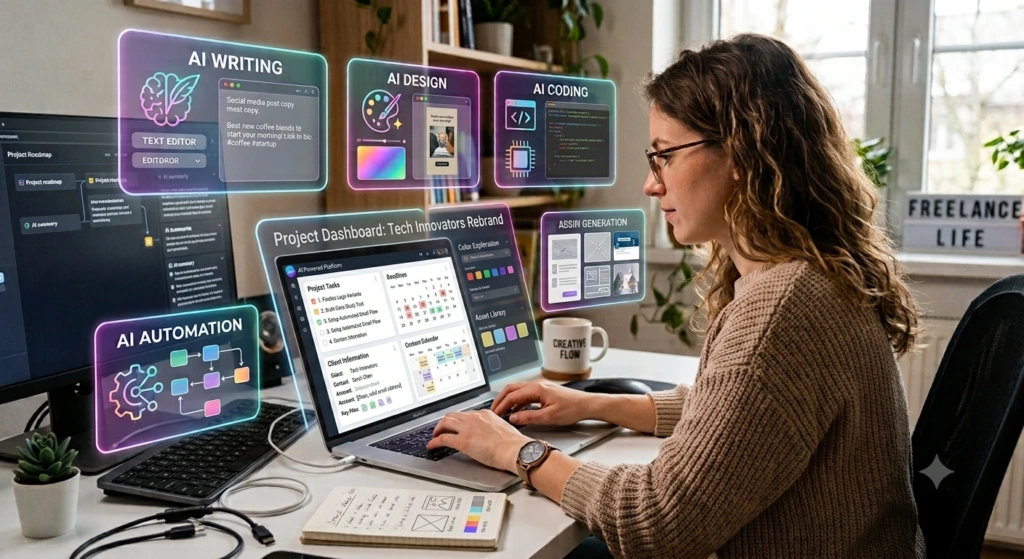
Managing multiple clients can become difficult if your tasks are scattered across emails, notes, spreadsheets, and messaging apps.
Notion can provide a central workspace for your freelance business. With its AI features, you can work with notes, project information, documents, and tasks from the same workspace.
You can use it to organize:
- Client information
- Project deadlines
- Content calendars
- Meeting notes
- To-do lists
- Project documentation
- Ideas and research
Best for: Freelancers who are juggling multiple projects or clients at the same time.
6. Perplexity – Useful for Research
Research is an important part of many freelance jobs.
Whether you’re writing an article, preparing a client report, researching an industry, or looking for information about a company, Perplexity can help you get started quickly.
One useful feature is its focus on providing sources alongside answers, making it easier to investigate information further.
However, you should still check important facts yourself before using them in professional work.
Best for: Content writers, researchers, marketers, consultants, and SEO freelancers.
7. Otter.ai – Best for Meeting Notes
Client meetings can contain a lot of important information.
Instead of trying to write down every sentence manually, freelancers can use AI transcription tools such as Otter.ai to capture conversations and create useful meeting notes.
This can help you remember:
- Client requirements
- Project changes
- Deadlines
- Important decisions
- Action items
- Follow-up tasks
That means you can spend more time listening to your client instead of constantly typing notes.
Best for: Consultants, agencies, virtual assistants, project managers, and freelancers who regularly attend client meetings.
8. Descript – Best for Video and Audio Freelancers
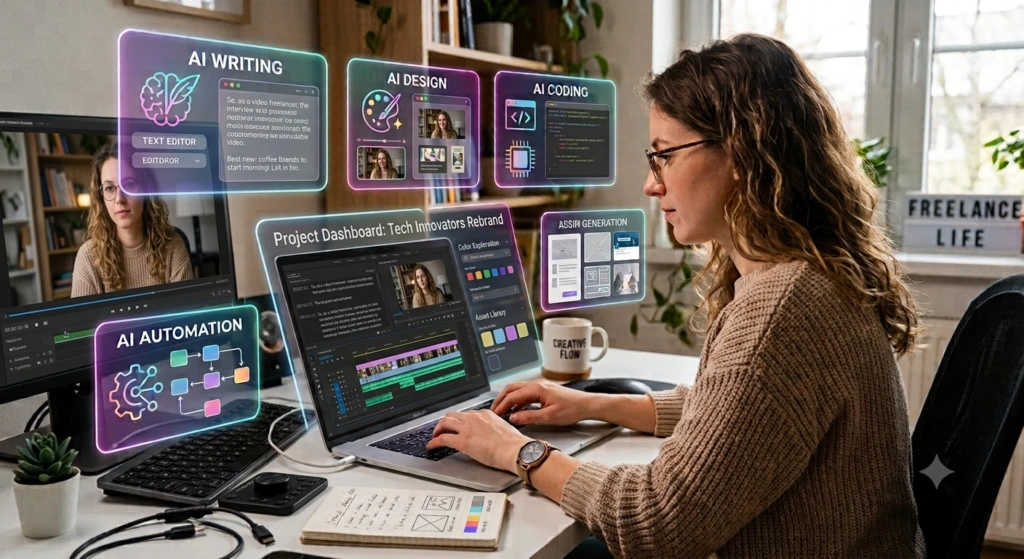
Editing videos and podcasts can take up a lot of time, especially when you have a lot of content to work through.
Descript uses a text-based approach to video and audio editing, which can make certain editing tasks easier. Instead of working only with a traditional timeline, you can work with the transcript and edit the media through text.
Freelancers can use it for:
- YouTube videos
- Podcasts
- Interviews
- Tutorials
- Social media clips
- Client video projects
Best for: Video editors, podcasters, YouTubers, and content creators.
9. Zapier – Best for Freelance Automation
Some freelance tasks don’t require creativity at all. They simply need to happen repeatedly.
For example:
A new client fills out a form → their information is added to a spreadsheet → you receive a notification → a project task is created.
Automation tools such as Zapier can connect different applications and reduce this kind of repetitive work.
You can automate workflows related to:
- Lead collection
- Emails
- Forms
- Project management
- Notifications
- Client onboarding
- Content workflows
Best for: Freelancers who have repetitive administrative tasks.
10. GitHub Copilot – Best for Freelance Developers
Freelance developers can also benefit significantly from AI.
GitHub Copilot can assist with programming by suggesting code, helping developers understand code, and speeding up common development tasks.
It can be useful for:
- Writing repetitive code
- Understanding unfamiliar code
- Generating functions
- Debugging
- Creating tests
- Exploring programming solutions
However, developers should always review AI-generated code before using it in a production project.
Best for: Web developers, software developers, and programmers.
Best AI Tools for Different Types of Freelancers
You don’t need every AI tool available. The best choice depends on the type of freelance work you do.
| Freelancer Type | Useful AI Tools |
|---|---|
| Content Writer | ChatGPT, Claude, Grammarly |
| SEO Freelancer | ChatGPT, Perplexity, Grammarly |
| Graphic Designer | Canva, ChatGPT |
| Social Media Manager | Canva, ChatGPT, Notion |
| Web Developer | GitHub Copilot, ChatGPT, Claude |
| Video Editor | Descript, ChatGPT |
| Virtual Assistant | ChatGPT, Notion, Zapier |
| Consultant | Claude, ChatGPT, Notion |
| Researcher | Perplexity, Claude, ChatGPT |
How to Choose the Right AI Tools for Freelancing
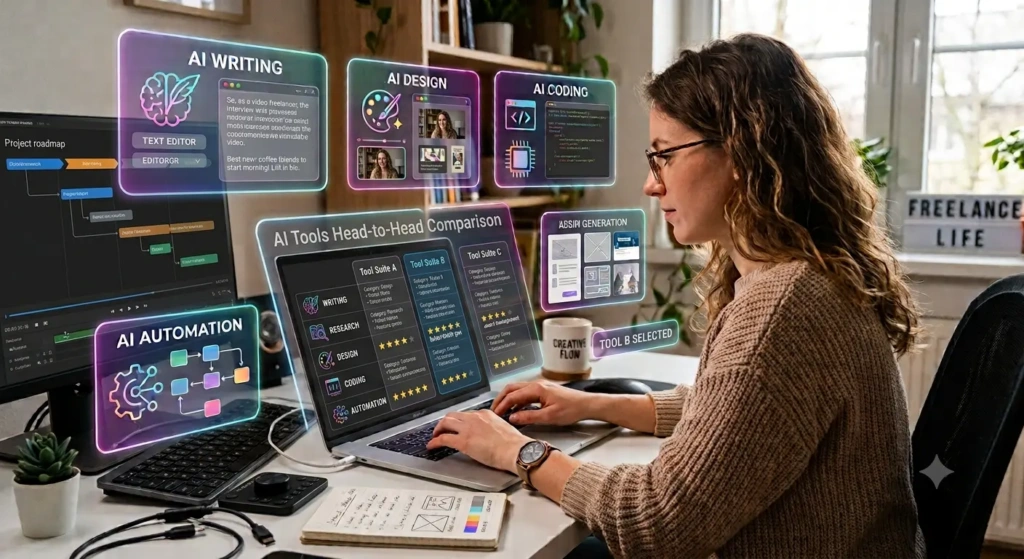
Don’t choose an AI tool simply because it is popular.
Ask yourself a few simple questions first:
1. What task takes the most time?
If writing emails takes too much time, look for a writing assistant.
If creating social media graphics is slowing you down, try a design tool.
2. Does the tool actually save time?
A tool isn’t useful just because it has hundreds of features. If it takes an hour to learn and saves only ten minutes per week, it may not be worth it.
3. Is there a free version?
Many AI tools offer free plans or limited free features. Start with the free version before paying for a subscription.
4. Does it improve your work?
Saving time is important, but quality matters too. Your final work should still reflect your skills and understanding.
How Freelancers Can Use AI Without Losing Their Personal Touch
One common mistake is relying too heavily on AI.
If every freelancer sends the same AI-generated proposal, writes the same type of email, and produces generic content, it becomes difficult to stand out.
Use AI for the repetitive parts of your work, but keep the important human parts for yourself.
For example:
AI can help with:
- Ideas
- Research
- First drafts
- Summaries
- Repetitive tasks
- Brainstorming
You should handle:
- Final decisions
- Client relationships
- Strategy
- Creativity
- Fact-checking
- Quality control
- Your personal voice
This combination can make AI a productivity tool rather than a replacement for your skills.
Final Thoughts
The best AI tools for freelancers aren’t necessarily the tools with the most features. They’re the tools that solve a real problem in your daily workflow.
If you’re just getting started, you don’t need ten subscriptions. Start with one or two tools that match your biggest challenge.
For example, a content writer might start with ChatGPT and Grammarly, while a designer could benefit more from Canva and ChatGPT. A developer might choose GitHub Copilot, while a freelancer managing several clients could combine Notion and Zapier.
The important thing is to use AI as an assistant, not as a replacement for your skills. When you combine AI with your own experience and creativity, you can work faster, serve more clients, and spend more time growing your freelance business.
FAQs
Which AI tool is best for freelancers?
ChatGPT is a strong all-purpose option because it can help with writing, brainstorming, research, client communication, and many other freelance tasks.
Are AI tools useful for beginners?
Yes. Many AI tools are designed to be easy to use. Beginners can start with simple tasks such as writing emails, generating ideas, summarizing information, or organizing projects.
Can freelancers use AI to get more clients?
AI can help freelancers create better proposals, research potential clients, prepare outreach messages, and organize leads. However, getting clients still depends on the quality of your work and communication.
Should freelancers pay for AI tools?
Not necessarily. Start with free plans and upgrade only when a paid feature provides enough value to justify the cost.
Can AI replace freelancers?
AI can automate certain tasks, but clients still need human judgment, creativity, communication, strategy, and accountability. Freelancers who learn to use AI effectively can use it to improve their productivity rather than simply compete against it.