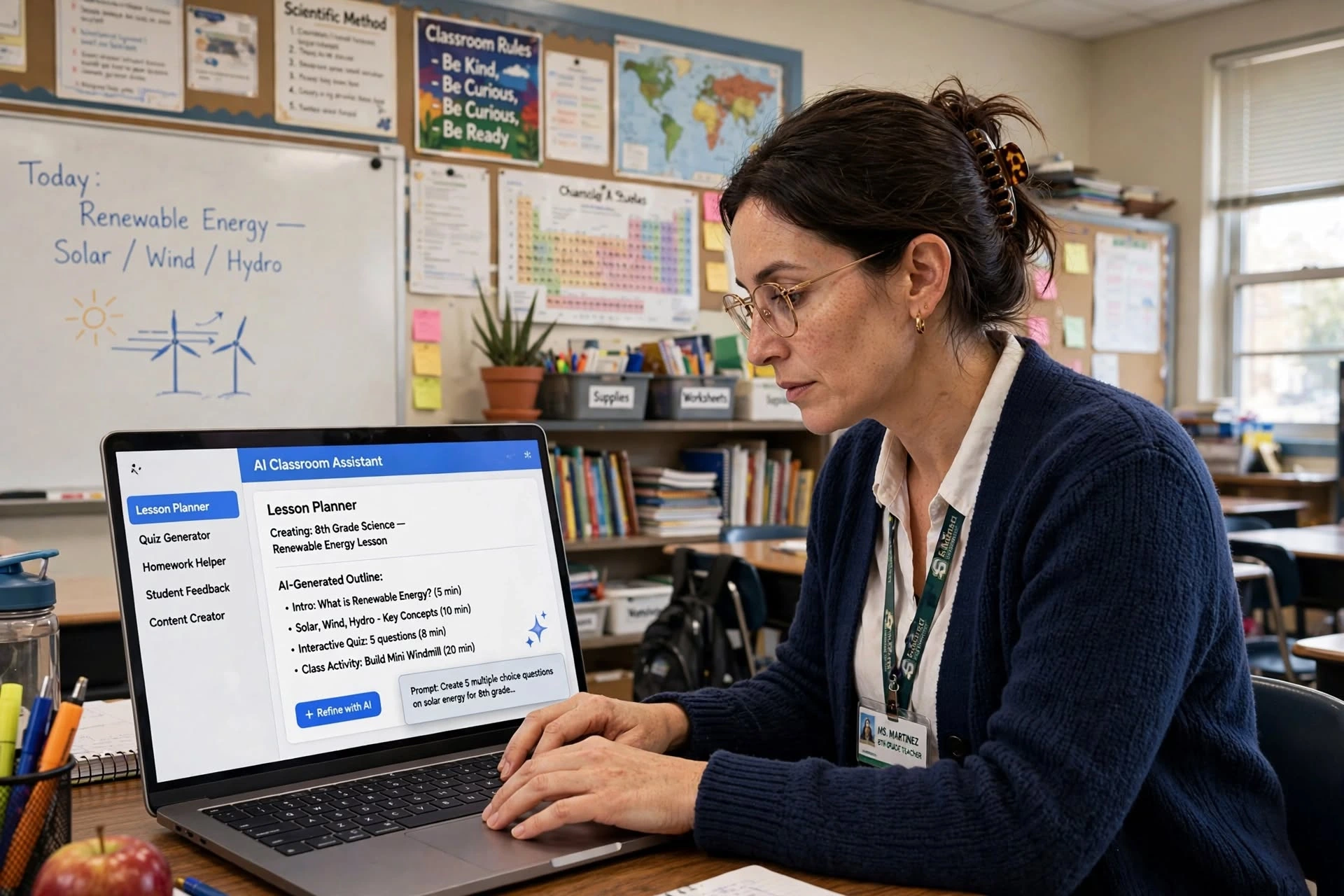
Teaching is rewarding, but it also comes with a lot of work. Best AI Tools for Teachers can make everyday teaching tasks easier by helping with lesson planning, creating quizzes, preparing worksheets, explaining difficult topics, and developing engaging classroom activities. Instead of spending hours on repetitive tasks, teachers can use AI to save time and focus more on their students.
From preparing learning materials to creating personalized activities, AI can become a useful assistant for teachers. However, teachers should always review AI-generated content and make sure it is accurate, appropriate, and suitable for their students.
Quick List of the Best AI Tools for Teachers
Here are some useful AI tools teachers can try:
| AI Tool | Best For |
|---|---|
| ChatGPT | Lesson ideas, explanations, activities and writing |
| MagicSchool AI | Lesson planning and teacher resources |
| Canva | Presentations and visual learning materials |
| Diffit | Creating differentiated learning materials |
| Khanmigo | Student learning and tutoring |
| Curipod | Interactive lessons |
| Brisk Teaching | Feedback and classroom content |
| Eduaide AI | Lesson planning and educational resources |
| Quizizz | Quizzes and student assessment |
| NotebookLM | Working with notes and teaching resources |
1. ChatGPT – One of the Best AI Tools for Teachers
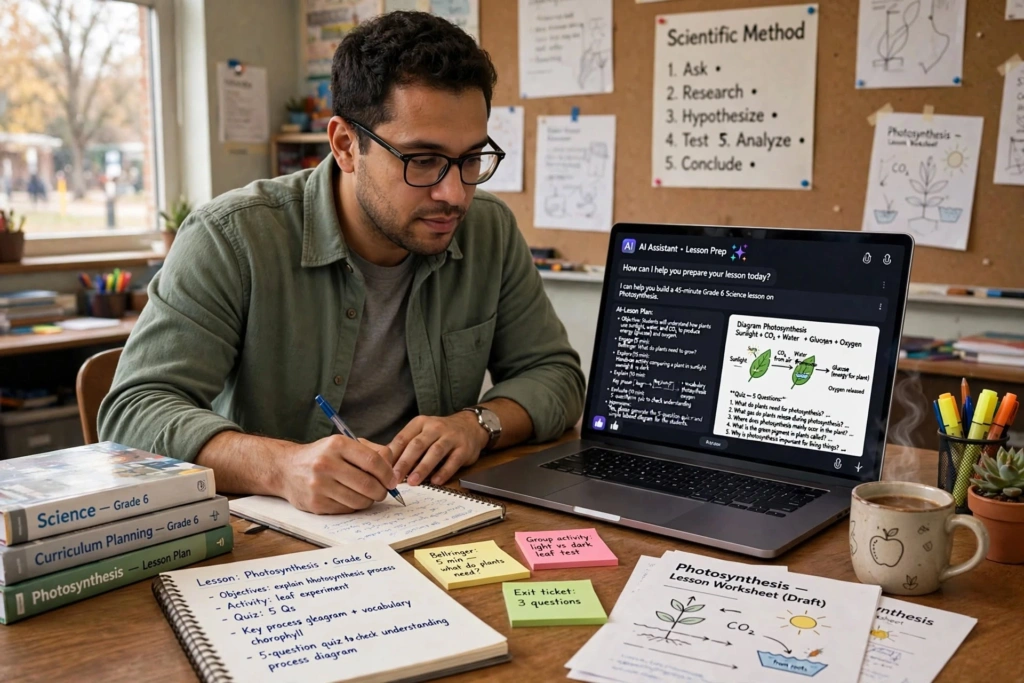
ChatGPT is one of the most flexible AI tools teachers can use. It can help with many everyday teaching tasks, from creating lesson ideas to explaining difficult topics in simple language.
For example, a teacher can ask ChatGPT to create a lesson plan for a particular subject and grade level. It can also generate discussion questions, classroom activities, examples, summaries, and practice questions.
Teachers can also use it to:
- Create lesson plans
- Generate quiz questions
- Explain difficult concepts
- Create classroom activities
- Write parent emails
- Prepare discussion questions
- Summarize teaching material
- Create examples for students
The biggest advantage is flexibility. You can describe exactly what you need instead of using a fixed template.
Best for: Teachers who want one general-purpose AI assistant for different tasks.
2. MagicSchool AI – AI Tool for Teachers
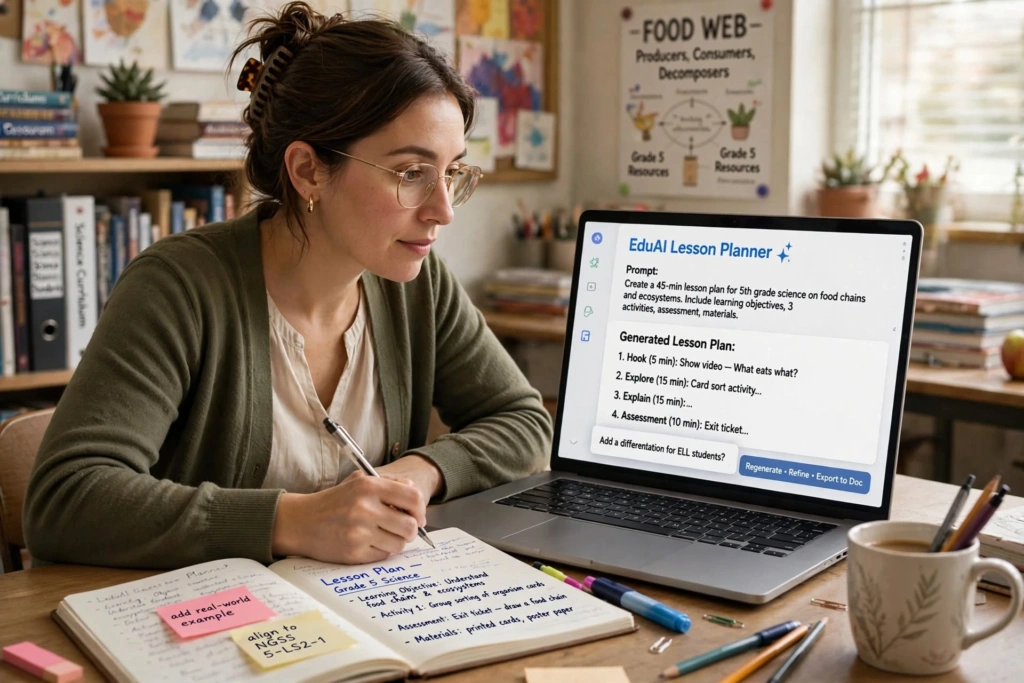
MagicSchool AI is designed specifically for educators. Instead of starting with a blank chatbot, teachers can choose tools designed around common education tasks.
It can help teachers create lesson plans, rubrics, quizzes, writing activities, vocabulary exercises, and other classroom resources. Education-focused AI tools such as MagicSchool are particularly useful because they are built around teacher workflows rather than general-purpose writing alone.
For a busy teacher, this can make lesson preparation much faster.
Best for: Lesson planning, classroom resources, rubrics, and teacher-specific tasks.
3. Canva – AI Tool for Visual Learning
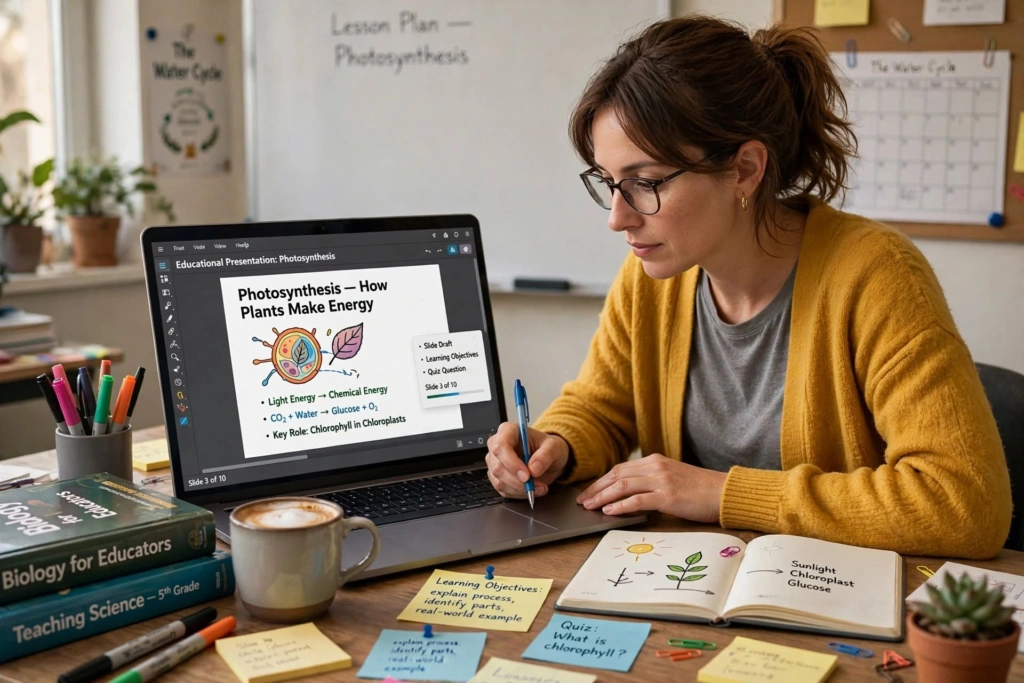
Sometimes students understand a topic better when they can see it.
Canva can help teachers create attractive presentations, worksheets, posters, infographics, classroom activities, and other visual resources.
Instead of spending hours designing a presentation from scratch, teachers can use templates and AI-powered features to get a starting point.
For example, a science teacher could create a visual presentation about the solar system, while a history teacher could create a timeline of important events.
Best for: Presentations, worksheets, posters, infographics, and visual classroom content.4. Diffit – Best for Differentiated Learning
4. Diffit – AI Tool for Differentiated Learning
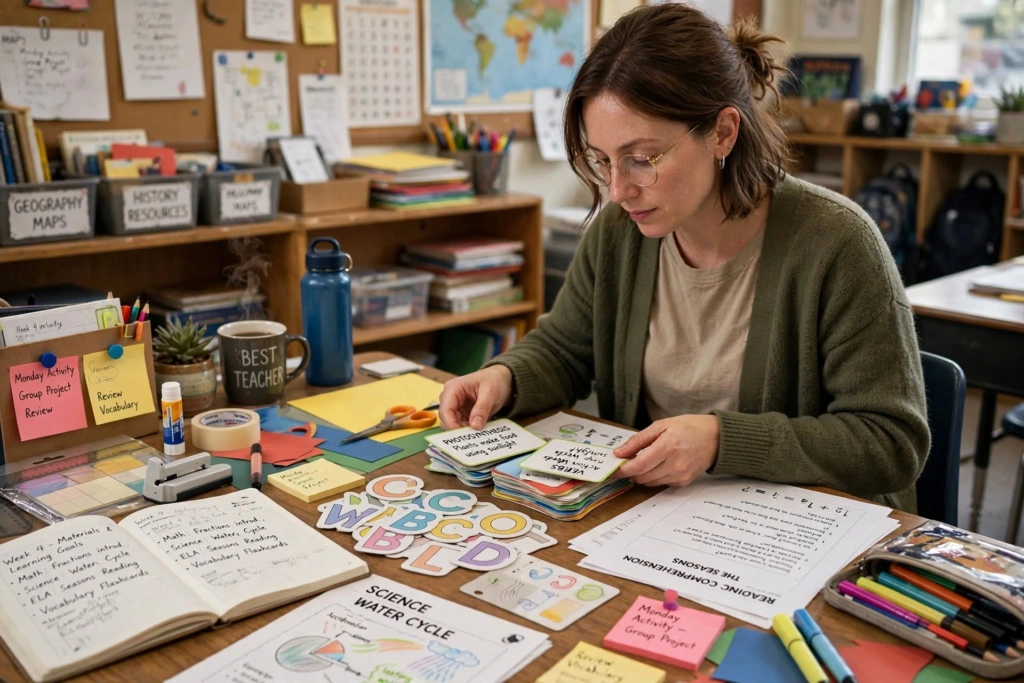
Not every student learns at the same speed or reading level. This can make teaching the same topic to an entire class challenging.
Diffit helps teachers adapt learning materials for different students. A teacher can start with a topic or existing text and create materials at different levels.
This can be especially useful in classrooms where students have different reading abilities.
For example, a teacher could take an article about climate change and create simpler versions for students who need easier reading material.
Best for: Differentiated instruction and adapting learning materials.
5. Khanmigo – AI Tool for Student Learning
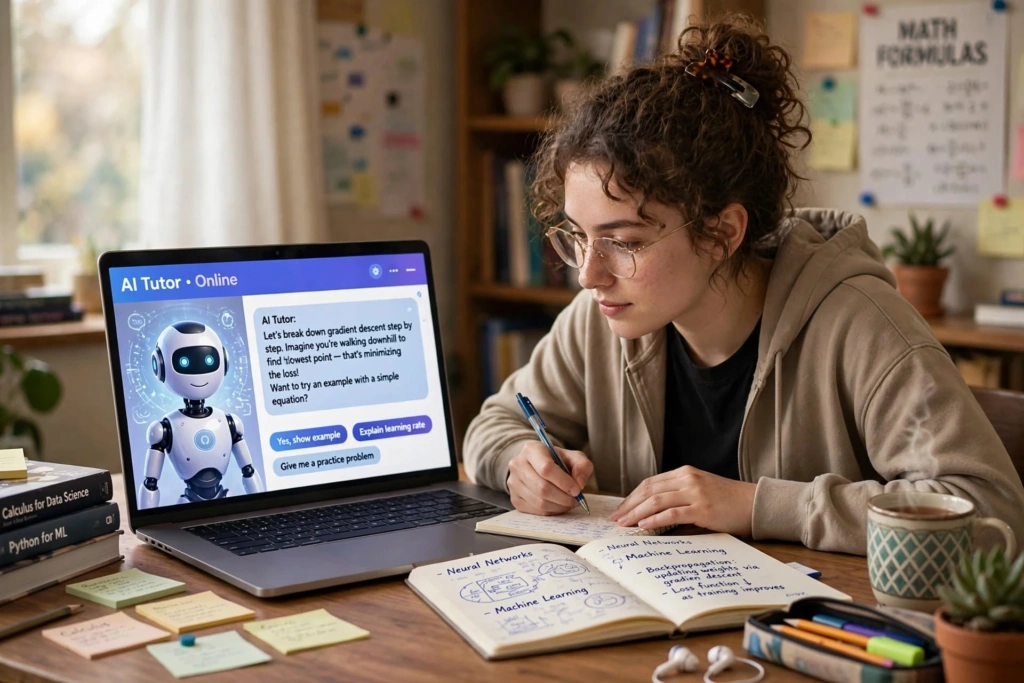
Khanmigo is an AI-powered learning assistant associated with Khan Academy. Rather than simply giving students an answer, its approach is designed to guide students through problems and encourage learning.
This makes it useful for subjects where students need help understanding a concept instead of simply receiving the final answer.
Teachers can also use AI-supported learning tools to provide students with additional practice outside regular classroom time.
Best for: Tutoring, guided learning, and student practice.
6. Curipod – AI Tool for Interactive Lessons

Traditional lectures can sometimes make students lose interest. Interactive activities can make a lesson more engaging.
Curipod focuses on creating interactive lessons and activities. Teachers can use it to build presentations that include questions, participation activities, and other interactive elements.
This can be useful when you want students to participate instead of simply listening.
For example, during a geography lesson, students could answer questions during the presentation and share their opinions about different topics.
Best for: Interactive presentations and classroom engagement.
7. Brisk Teaching – AI Tool for Teacher Productivity
Brisk Teaching is designed to help teachers work with existing educational content and classroom materials.
It can assist with creating resources, providing feedback, and adapting content. This can be helpful for teachers who already work heavily with digital documents and browser-based resources.
Instead of creating everything from the beginning, teachers can use AI to speed up parts of their existing workflow.
Best for: Feedback, content creation, and working with existing teaching materials.
8. Eduaide AI – AI Tool for Educational Resources
Eduaide AI is another education-focused AI platform that can help teachers create instructional materials.
Teachers can use it for lesson planning, classroom activities, assessment ideas, and other educational resources.
One useful feature of teacher-focused AI platforms is that they give educators structured options. This can be easier than writing a detailed prompt every time you want to create something.
Best for: Lesson planning, activities, assessments, and teaching resources.
9. Quizizz – AI Tool for Teacher Quizzes and Assessment
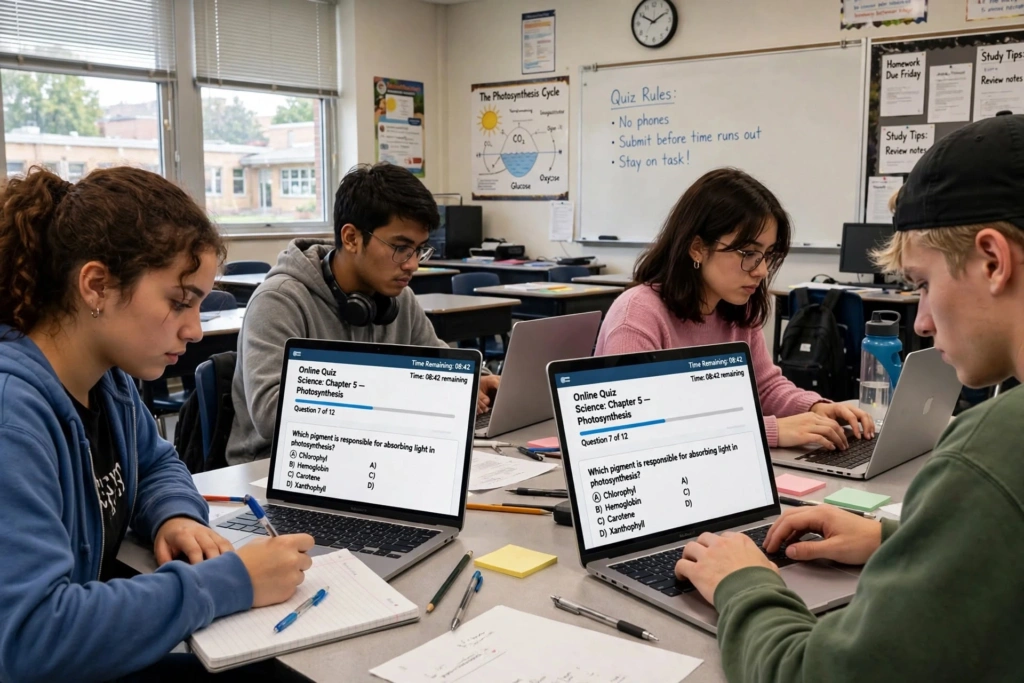
Quizzes are a simple way to check whether students understand a lesson.
Quizizz can help teachers create interactive quizzes and assessments. Instead of relying only on traditional written tests, teachers can use digital quizzes to make assessment more engaging.
For example, after teaching a chapter, a teacher can create a short quiz to check students’ understanding before moving to the next topic.
Best for: Quizzes, practice tests, and student engagement.
10. NotebookLM – AI Tool for Teaching Materials
Teachers often have a lot of information to manage, including PDFs, notes, articles, study material, and lesson resources.
NotebookLM can help users work with their own source material by summarizing information and answering questions based on the provided sources.
This can be useful when preparing a lesson from several documents. Instead of reading through everything repeatedly, teachers can use AI to organize and understand their source material before preparing the final lesson.
Best for: Research, notes, documents, summaries, and source-based learning.
How Best AI Tools for Teachers Can Help
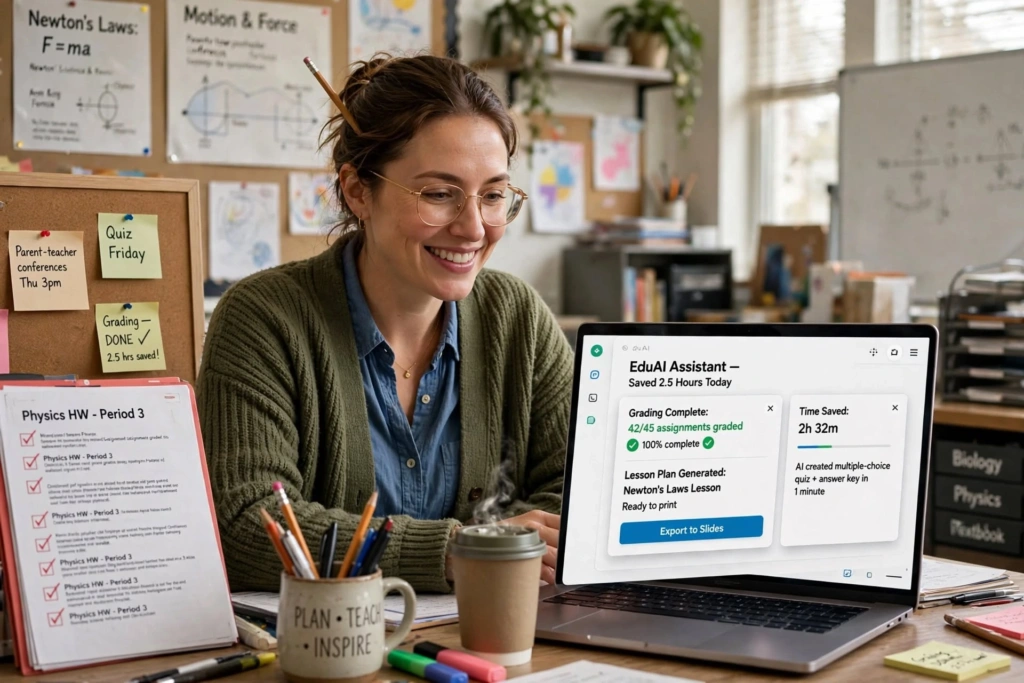
AI tools can be useful in several parts of a teacher’s daily routine.
Save Time With AI Tools for Teachers
Creating a lesson plan from scratch can take considerable time. AI can provide a first draft that teachers can modify according to their syllabus and students.
Create Learning Materials With AI
Teachers can generate ideas for worksheets, examples, activities, questions, and assignments more quickly.
Use AI Tools for Personalized Learning
AI can help teachers adapt content for students with different learning levels. Tools such as Diffit are specifically focused on this type of differentiation.
Improve Classroom Engagement With AI Tools
Interactive quizzes, presentations, visual content, and activities can make lessons more interesting for students.
Reduce Repetitive Teaching Work With AI
Writing similar feedback, creating multiple versions of questions, or preparing routine classroom material can take time. AI can help with the first draft of these tasks.
How Teachers Can Use AI Tools Responsibly
AI can be helpful, but teachers should not blindly copy and paste everything it produces.
AI can sometimes provide incorrect information, outdated information, or examples that do not match a particular curriculum.
Before giving AI-generated material to students, teachers should:
- Check facts and information
- Review questions and answers
- Make sure the content matches the syllabus
- Protect student personal information
- Check AI-generated feedback before sending it
- Adapt the material to the students’ actual needs
- Follow their school’s AI and technology policies
The teacher should remain the final decision-maker.
Which Best AI Tools for Teachers Should You Choose?
There is no single best AI tool for teachers because different tools solve different problems.
If you want a general AI assistant, ChatGPT is a strong option.
For lesson planning, MagicSchool AI and Eduaide AI are worth considering.
For visual content, Canva is useful.
For differentiated learning materials, Diffit can save time.
For interactive lessons, Curipod is a good choice.
For quizzes, Quizizz can make assessment more engaging.
For working with your own documents and notes, NotebookLM can be useful.
The best approach is not to use ten different tools at once. Start with one or two that solve your biggest teaching problem and gradually add more when needed.
Frequently Asked Questions
1. What are the best AI tools for teachers?
Some useful options include ChatGPT, MagicSchool AI, Canva, Diffit, Khanmigo, Curipod, Brisk Teaching, Eduaide AI, Quizizz, and NotebookLM.
2. Can teachers use AI to create lesson plans?
Yes. AI tools can create lesson-plan drafts, activities, discussion questions, examples, and learning objectives. Teachers should review and customize the final material.
3. What is the best free AI tool for teachers?
There is no single best free option for everyone. ChatGPT, Canva, Diffit, and several education-focused platforms offer useful free or limited-free options, although features and limits can change.
4. Can AI replace teachers?
No. AI can assist with repetitive tasks and content preparation, but teaching requires human judgment, communication, empathy, classroom management, and understanding of individual students.
5. How can teachers use AI safely?
Teachers should avoid entering unnecessary personal student information, verify AI-generated information, review content before sharing it, and follow their school’s AI and data-privacy policies.
Final Thoughts
AI tools for teachers are becoming useful assistants for everyday educational work. They can help with lesson planning, classroom activities, quizzes, presentations, feedback, research, and personalized learning.
But AI should not replace the human side of teaching. A good teacher understands the students, knows when they are struggling, motivates them, answers their questions, and creates a supportive classroom environment.
The smartest way to use AI is to let it handle time-consuming repetitive tasks while teachers focus more on what matters most: teaching and helping students learn.