Best Free AI Tools in 2026 can help with writing, studying, research, coding, design, video editing, and many other everyday tasks. Students can use AI to understand difficult topics, writers can improve their drafts, developers can get help with code, and businesses can create content faster. The good news is that many useful AI tools offer free plans, so you can start using them without paying for expensive subscriptions.
Quick List of the Best Free AI Tools in 2026
| Tool | Best For |
|---|---|
| ChatGPT | Writing, learning, and daily work |
| Google Gemini | Research and Google-related tasks |
| Claude | Natural-sounding writing |
| Perplexity | Research and finding sources |
| Microsoft Copilot | Everyday productivity |
| Canva | Posts, presentations, and designs |
| NotebookLM | Studying notes and documents |
| GitHub Copilot | Coding |
| Grammarly | Grammar and proofreading |
| DeepL | Translation |
| CapCut | Video editing |
| Adobe Express | Quick graphics |
| Gamma | Creating presentations |
| DeepSeek | A second AI opinion |
| Hugging Face | Exploring AI models |
Note: Free plans, features, and usage limits can change. Always check the official website before depending on a particular feature.
1. ChatGPT – One of the Best Free AI Tools

If you only want to start with one AI tool, ChatGPT is a good place to start.
You can use ChatGPT to write emails, understand difficult topics, improve code, summarize documents, brainstorm ideas, analyze files, create images, and research information. The free plan offers several useful features, although usage limits apply.
Who Should Use ChatGPT as a Free AI Tool?
Students, freelancers, writers, developers, business owners, and everyday users.
Why ChatGPT Is One of the Best Free AI Tools
One tool can handle a lot of different tasks without making things complicated.
2. Google Gemini – A Useful Free AI Tool
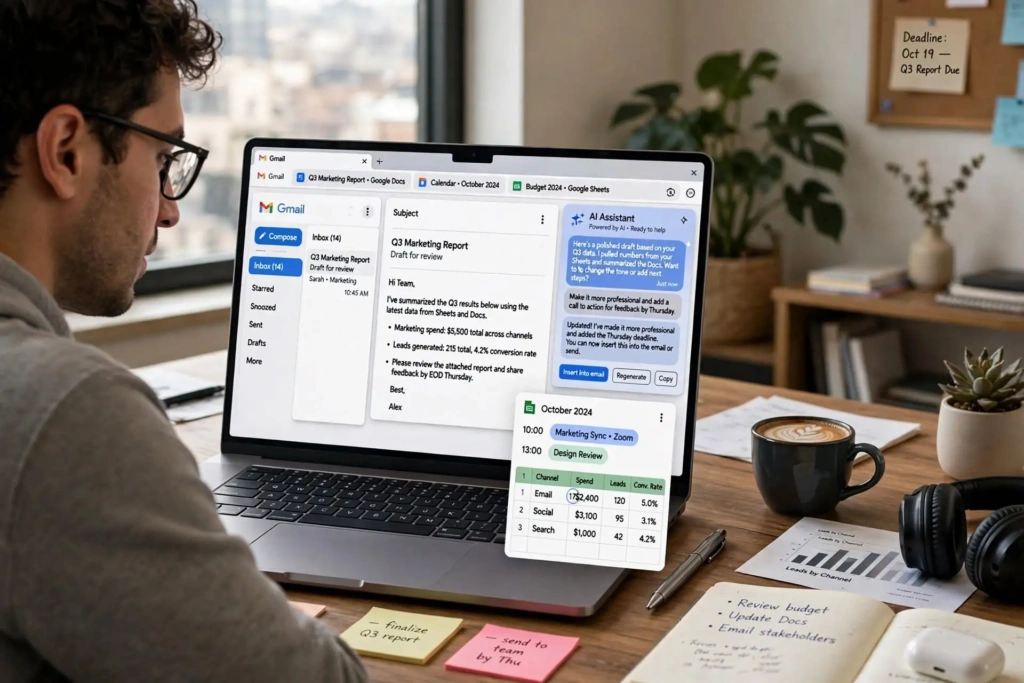
If you spend most of your day using Gmail, Google Docs, Google Drive, or other Google services, Gemini is worth trying.
Google offers a free Gemini option in India at ₹0 with a Google account. Depending on current availability and limits, the free offering can include Gemini chat, image generation, Deep Research, Canvas, and cloud storage.
Who Should Use Google Gemini as a Free AI Tool?
Students, professionals, and people who already use Google services regularly.
Why Google Gemini Is a Useful Free AI Tool
It fits nicely into the Google ecosystem and can be useful for research and everyday tasks.
3. Claude – One of the Best Free AI Writing Tools
Claude is a strong choice if writing is your main reason for using AI.
You can give Claude notes, rough drafts, articles, or other text and ask it to make the content clearer and easier to read. The writing often feels less mechanical, which is why many writers use it for editing and brainstorming.
Claude has a free plan with limited usage, making it useful for occasional work.
Who Should Use Claude as a Free AI Writing Tool?
Bloggers, writers, students, and researchers.
Why Claude Is a Useful Free AI Writing Tool
It is good at turning rough ideas into clean, readable writing.
4. Perplexity – One of the Best Free AI Research Tools
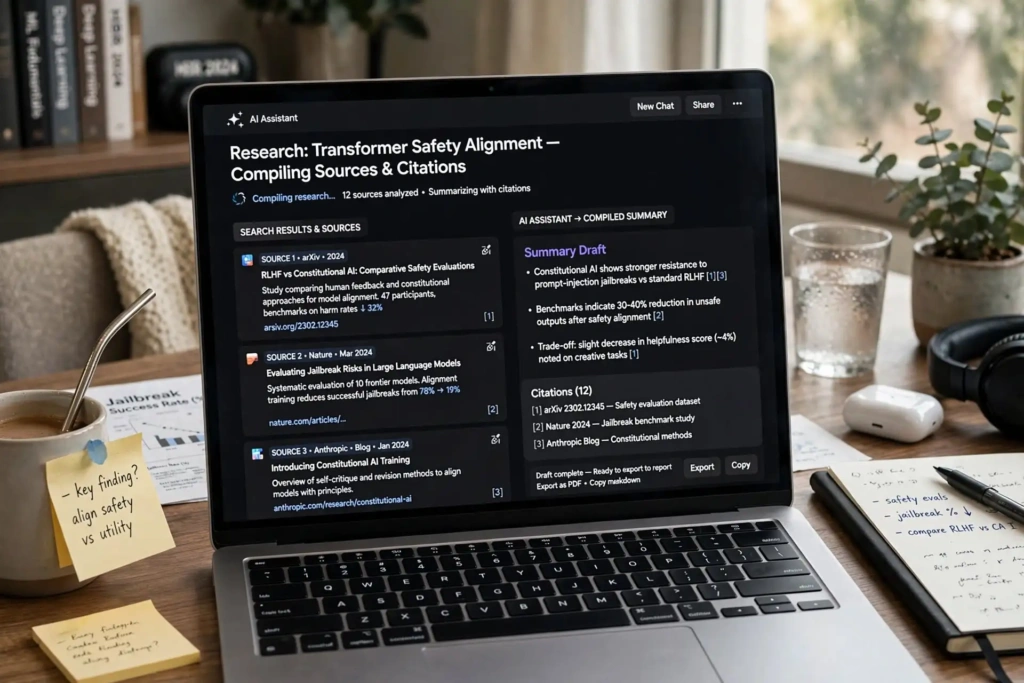
Perplexity is not just another chatbot. It is designed mainly for finding and researching information online.
Ask a question and Perplexity can provide a summarized answer along with sources. This can save you from opening several search results just to get a basic understanding of a topic.
Of course, you should still check important information against the original sources.
Who Should Use Perplexity?
Students, bloggers, researchers, and anyone who regularly needs to verify information.
Why Perplexity Is a Useful Free AI Research Tool
It makes the first part of online research much quicker.
5. Microsoft Copilot – A Free AI Productivity Tool
If you regularly use Windows and Microsoft products, Copilot can be a useful AI assistant.
It can help with writing, brainstorming, summarizing information, answering questions, and other everyday tasks. The exact features available can depend on the Microsoft product and plan you are using.
Who Should Use Microsoft Copilot?
Office workers, students, freelancers, and business owners.
Why Microsoft Copilot Is a Useful Free AI Tool
It is convenient if Microsoft products are already part of your daily workflow.
6. Canva – One of the Best Free AI Design Tool
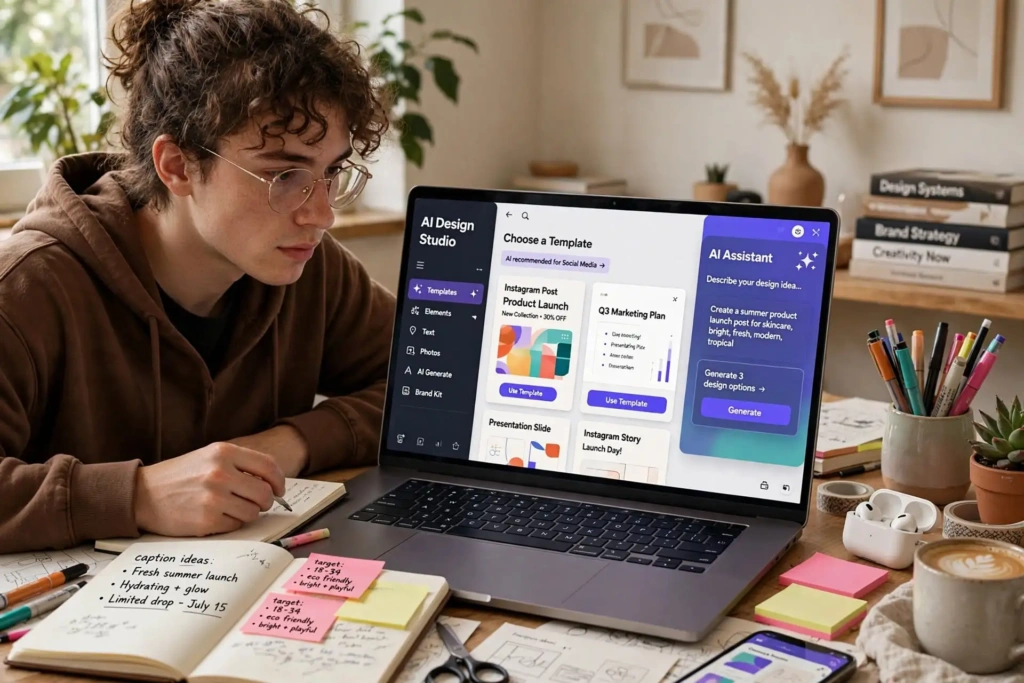
You do not need to become a professional designer to create decent graphics anymore.
Canva makes it easy to create Instagram posts, YouTube thumbnails, resumes, presentations, posters, and other designs. Its AI features can also help you turn an idea into a design more quickly.
The free plan is enough for many basic projects, while some premium templates and features require a paid plan.
Who Should Use Canva?
Students, bloggers, creators, and small businesses.
Why Canva Is a Useful Free AI Design Tool
You can create attractive designs without spending hours learning complicated software.
7. NotebookLM – A Free AI Study Tool

NotebookLM is especially useful for students.
You can add your own notes, PDFs, documents, or other supported sources and then ask questions about them. For example, you can ask, “Explain Chapter 3 in simple words” or “Create questions from these notes.”
This makes studying long documents much easier.
Who Should Use NotebookLM?
Students, researchers, and anyone who works with large amounts of information.
Why NotebookLM Is a Useful Free AI Study Tool
You can ask questions based on your own study material instead of starting from a general topic.
8. GitHub Copilot – A Free AI Coding Tool

GitHub Copilot is designed to help programmers while they work.
It can suggest code, explain programming concepts, help find errors, and assist with debugging. It works with popular development environments, including VS Code.
The free plan has usage limits, but it is still useful if you want to try AI-assisted coding.
Who Should Use GitHub Copilot?
Developers, computer science students, and people learning programming.
Why GitHub Copilot Is a Useful Free AI Coding Tool
It can save time on repetitive coding and help when you get stuck.
9. Grammarly – A Free AI Tool for Writing and Grammar
Before submitting an assignment, sending an important email, or publishing a blog post, Grammarly can help you catch common writing mistakes.
The free version checks things such as grammar, spelling, punctuation, and other basic writing issues.
Who Should Use Grammarly?
Students, bloggers, writers, and professionals.
Why Grammarly Is a Useful Free AI Writing Tool
It is quick to use and catches mistakes that are easy to miss when you are writing quickly.
10. DeepL – A Free AI Translation Tool
DeepL is a popular translation tool that supports multiple languages.
For many languages, its translations can sound natural and easy to understand. The free version is useful if you only need translation occasionally, although it has usage limits.
Who Should Use DeepL?
Students, travelers, freelancers, businesses, and anyone working with multiple languages.
Why DeepL Is a Useful Free AI Translation Tool
It is simple and can produce natural-sounding translations.
11. CapCut – A Free AI Video Editing Tool

If you create YouTube videos, Instagram Reels, TikToks, or other short videos, CapCut is worth checking out.
It includes video editing tools along with features such as captions, effects, templates, and AI-powered editing options. You can create simple videos without having professional editing experience.
Some features are free, while others may require a paid plan.
Who Should Use CapCut?
YouTubers, social media creators, students, and small businesses.
Why CapCut Is a Useful Free AI Video Tool
It makes basic video editing much easier for beginners.
12. Adobe Express – A Free AI Design Tool
Adobe Express is a simpler option for creating visual content without opening more complicated professional design software.
You can use it for flyers, posters, social media posts, marketing graphics, and other quick designs.
Who Should Use Adobe Express?
Marketers, creators, students, and small businesses.
Why Adobe Express Is a Useful Free AI Design Tool
It is useful when you need a good-looking graphic quickly.
13. Gamma – A Free AI Presentation Tool
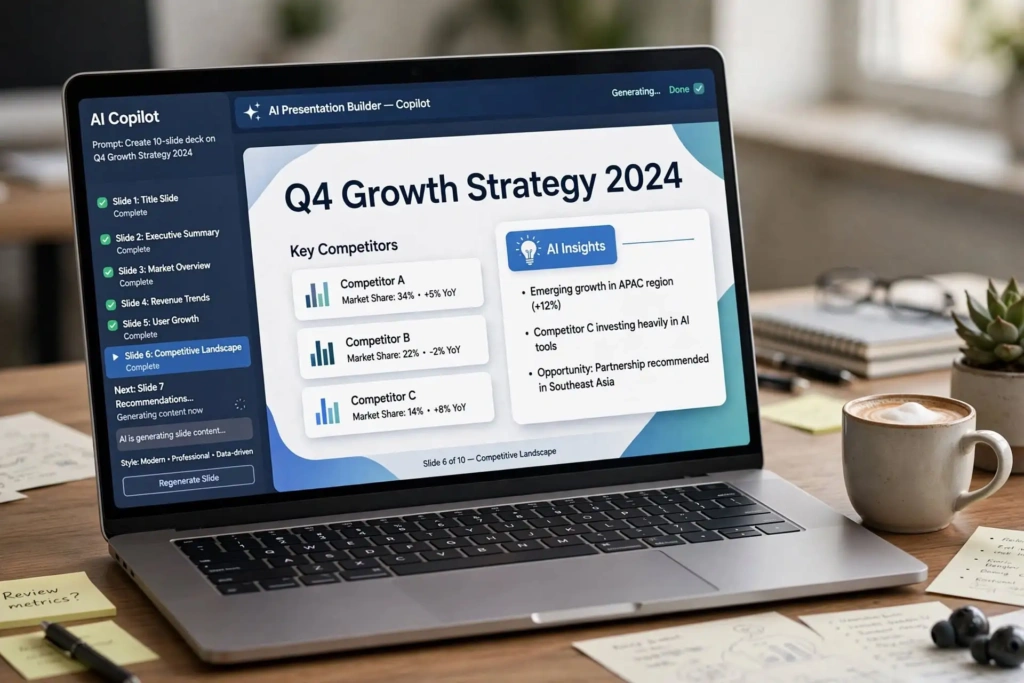
Creating a presentation from a blank slide can take hours.
Gamma can help you get started by creating a presentation structure from a topic or basic idea. You can then change the text, add your own information, and adjust the design before presenting it.
Who Should Use Gamma?
Students, teachers, freelancers, and business professionals.
Why Gamma Is a Useful Free AI Presentation Tool
It gives you a starting presentation instead of making you stare at an empty slide.
14. DeepSeek – A Free AI Alternative
Think of DeepSeek as another AI assistant you can use when you want a different answer.
It can help with general questions, coding, reasoning, and problem-solving. Sometimes it is useful to ask the same question to two different AI tools and compare their answers.
Who Should Use DeepSeek?
Students, developers, researchers, and anyone who wants another AI option.
Why DeepSeek Is a Useful Free AI Alternative
Getting a second AI response can help you look at a problem from another angle.
15. Hugging Face – A Platform for Exploring AI Models
Hugging Face is a little different from the other tools on this list.
It is a large platform where developers and AI learners can explore AI models, datasets, demos, and other machine-learning resources.
You may find it more technical than ChatGPT or Canva, but it is a great place to explore what is happening behind modern AI tools.
Who Should Use Hugging Face?
Developers, AI students, machine-learning enthusiasts, and technical users.
Why Hugging Face Is Useful for Exploring AI Models
You can explore a huge collection of AI models and experiment with different technologies.
Best Free AI Tools in 2026 for Different Users
Best Free AI Tools for Students in 2026
ChatGPT for doubts + NotebookLM for your notes + Grammarly + Canva
Best Free AI Tools for writers in 2026
ChatGPT + Claude + Grammarly + Canva
Best Free AI Tools for developers in 2026
GitHub Copilot + ChatGPT + Hugging Face
How to Choose the Best Free AI Tools in 2026?
Start with your daily work instead of choosing a tool just because it is trending.
First, decide what you want AI to help with. Do you need better writing? Research? Coding? Design? Video editing? Studying?
Then check the free plan and its limits. Some platforms offer generous free access, while others limit the number of messages, images, exports, or advanced features you can use.
The easiest way to find out whether a tool is useful is to use it on a real task.
Instead of asking an AI tool to “write a poem” just for testing, use it to solve a problem you actually have. That will tell you much more about whether the tool belongs in your workflow.
Best Free AI Tools in 2026: Final Thoughts
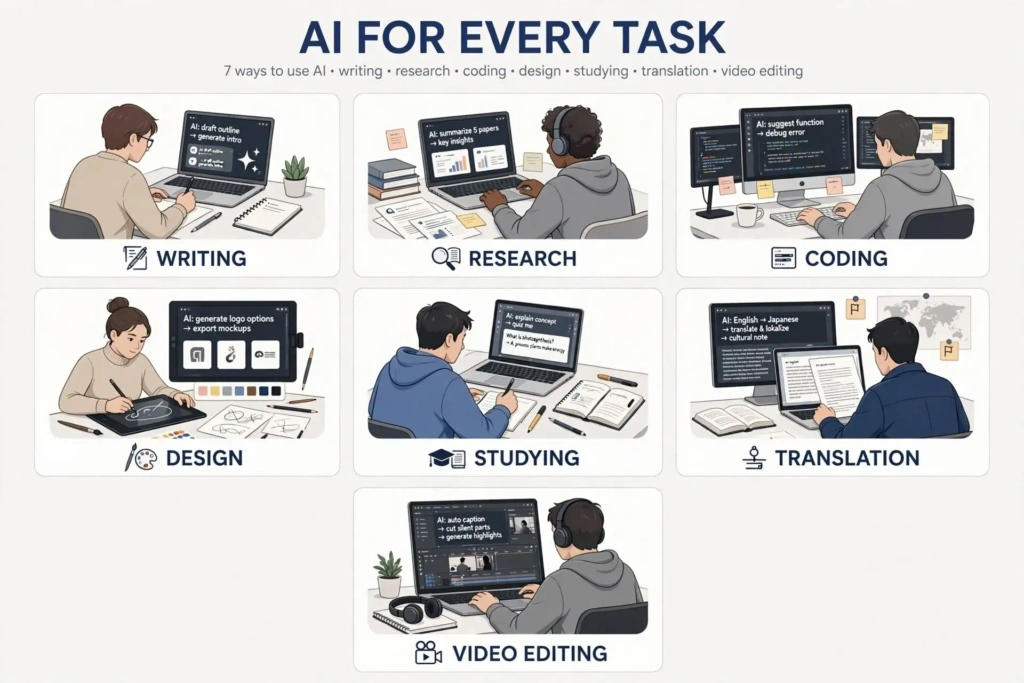
You do not need to spend thousands of rupees on AI subscriptions just to get useful AI assistance.
In 2026, many free AI tools can handle everyday tasks surprisingly well. You can write content, research topics, study notes, create designs, edit videos, translate text, and even get help with programming without paying for every service.
Start with ChatGPT and one or two tools that match your work. Use them for a week and see which ones genuinely save you time.
Only consider paying when you regularly reach the free limits and the extra features are actually worth the cost.
That is a simple way to use AI in 2026 without wasting money on tools you rarely use.